
Why analyze the whole SERP, not just your rank
Your position alone does not tell the whole story. A SERP can include featured snippets, knowledge panels, local packs, news, images, videos, People Also Ask boxes, related searches, and ads — all of which occupy screen real estate and capture clicks. If a featured snippet sits above the organic results, ranking #1 organically may still earn fewer clicks than usual. Knowing what is on the page tells you what to target.
How to check a SERP
- 1Enter your keyword into the SERP Checker.
- 2Choose the country, device, and optional language your audience uses.
- 3Run the analysis to see the top 10 organic results and every SERP feature.
The tool reports the top 10 organic results with titles, URLs, descriptions, and domain authority, plus nine SERP feature types: featured snippets, knowledge panels, local packs, news, images, videos, People Also Ask, related searches, and ads. It also gives a SERP difficulty score so you know how hard the page is to break into.
What to look for in the results
- Content format — are the top results guides, listicles, product pages, or definitions? Match the format Google has chosen.
- SERP features — which features appear? A featured snippet is a winnable opportunity if you can provide a concise answer.
- Domain authority — are the top results established giants or beatable sites? This signals how hard the keyword is.
- Local pack — does a map pack appear? If so, local SEO and your Google Business Profile matter as much as on-page SEO.
Turn SERP analysis into action
Use what you find to shape your page. If a featured snippet appears, structure your content with a clear, concise answer near the top. If the top results are comprehensive guides, make yours more thorough and original. If a local pack dominates, focus on local signals. After publishing, audit the page with the On-Page SEO Score Checker and track your position with the SEO Rank Checker.
SERP analysis vs rank tracking
Rank tracking tells you where you sit; SERP analysis tells you why and what to do about it. Use the SEO Rank Checker to monitor your position and the SERP Checker to understand the battlefield. Together they turn a number into a strategy.
What does a modern SERP actually look like? The full anatomy
A modern Google SERP is a stacked layout of paid ads, AI-generated answers, featured snippets, knowledge panels, local map packs, image and video blocks, People Also Ask boxes, and the classic organic results. The mix changes with every query, so analyzing the whole page — not just the blue links — is what separates real SERP analysis from simple position checking.
Read a SERP top to bottom the way a searcher does. Paid ads usually open the page, labeled as Sponsored. Then come Google's own answer layers: AI Overviews for many informational queries, a featured snippet when one page answers the question best, and a knowledge panel for entities like brands or famous people. Below or beside those sit the local pack for location-based queries, image and video carousels for visual topics, a People Also Ask accordion that keeps expanding, and finally the ten classic organic results — plus related searches at the very bottom. Every one of these zones either steals clicks from organic listings or offers you a second way onto the page.
- Paid ads (top and bottom) — Sponsored placements that push organic results down; heavy coverage signals strong commercial intent.
- AI Overviews — AI-generated answers with cited sources; appear for many informational and how-to queries.
- Featured snippet — a boxed answer pulled from one page, shown above the organic results (position zero).
- Knowledge panel — an entity card for brands, people, and places, usually on the right side of desktop.
- Local pack — a map with three business listings for queries with local intent.
- Image pack — a row of images for visually-driven queries like recipes, hairstyles, or design ideas.
- Video carousel — embedded videos, mostly from YouTube, for how-to and review queries.
- People Also Ask — an expanding accordion of related questions, each revealing a short answer and more questions.
- Top stories — a news carousel for fresh or trending topics where recency wins.
- Sitelinks — extra links under a dominant result, usually for branded or navigational searches.
- Related searches — eight query suggestions at the bottom that reveal how Google clusters the topic.

The most important habit is checking what is actually above the fold. On many commercial and local queries, a searcher has to scroll past ads, a snippet, and a map pack before reaching the first organic result. That is why a position number without the page context misleads you: rank three on a clean informational SERP can earn more clicks than rank one on a page buried under four feature blocks. Always analyze the search results page as a whole before you judge any single position.
How can you read search intent from the SERP?
Search intent is what the searcher actually wants — to learn something, compare options, buy a product, or find a specific website. Google's rankings are essentially a public vote on intent: the pages it rewards reveal the intent it detected. Read the SERP and you read the intent, which tells you exactly what kind of page has any chance of winning.
- Informational intent ("how to change a tire") — guides, definitions, featured snippets, and People Also Ask boxes dominate; few or no ads. The searcher wants knowledge, so publish the clearest explanation.
- Commercial investigation intent ("best tire brands 2026") — comparison posts, review sites, and listicles rank, with some ads. The searcher is researching before buying, so publish honest comparisons.
- Transactional intent ("buy michelin defender tires") — product pages, category pages, and shopping ads take over. The searcher wants to purchase, so give them a product page, not a blog post.
- Navigational intent ("michelinman login") — the brand's own homepage and sitelinks dominate. The searcher wants one specific site; unless that site is yours, pick a different keyword.
Mixed SERPs happen — Google sometimes hedges with two or three intents on page one. When that happens, count which intent holds the majority of the top five results and match that one. The cardinal sin of SERP analysis is an intent mismatch: a brilliant 3,000-word guide will never rank on a page where Google has decided searchers want to buy. Match the winning intent first, then differentiate your page within it.
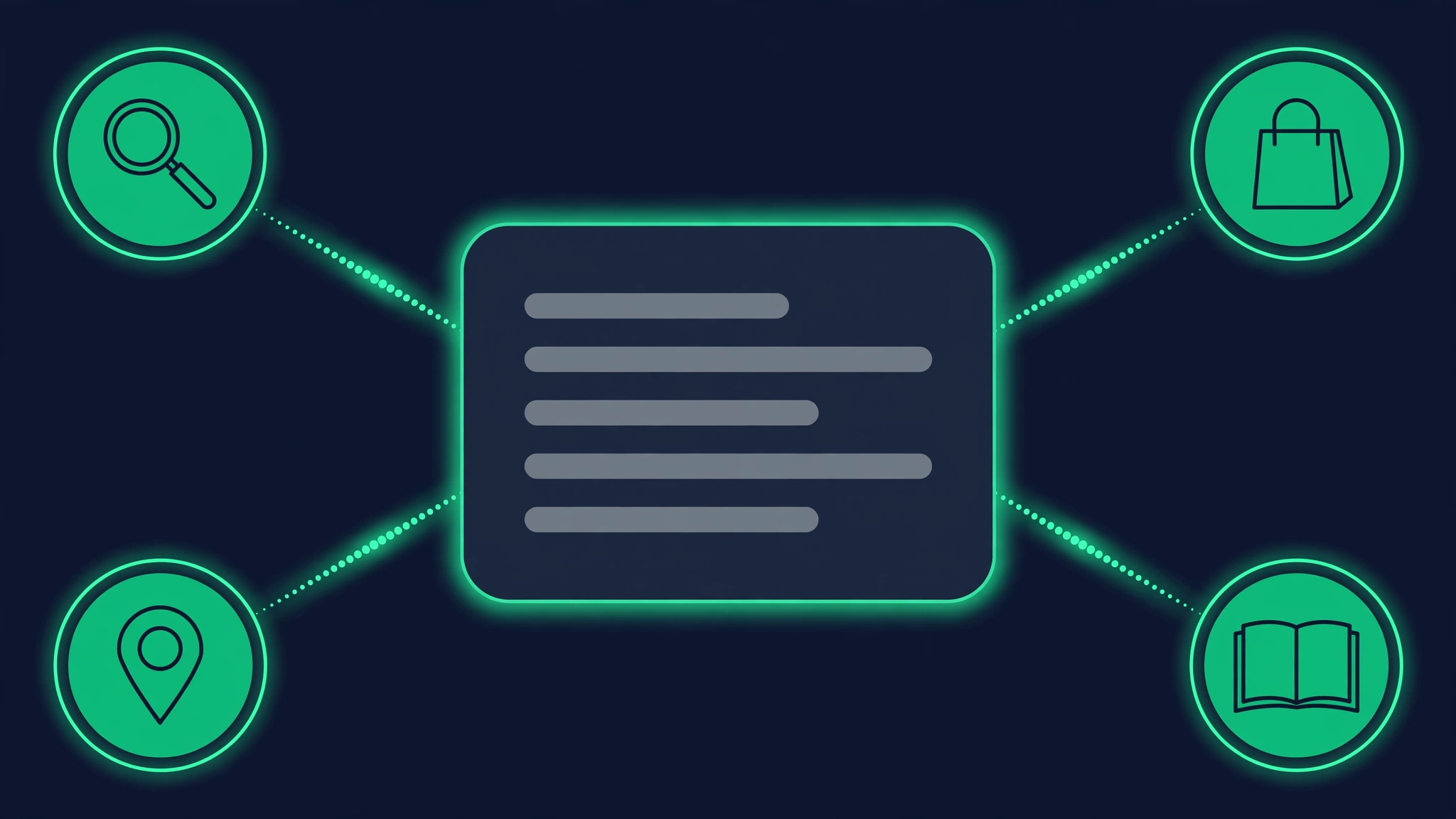
How do you win the featured snippet (position zero)?
A featured snippet is the boxed answer Google pulls from a page and displays above the organic results — position zero. It can capture a large share of clicks even when you do not rank first, but only pages already ranking on page one are usually eligible. Think of it as a bonus you earn after breaking into the top ten, not a shortcut around ranking.
- Paragraph snippets — short definitions and direct answers; the most common type, won with a tight 40-60 word answer.
- List snippets — steps, rankings, and ingredients pulled from ordered or unordered lists on the page.
- Table snippets — comparisons and data sets pulled from real HTML tables with clear header rows.
- Video snippets — clipped video answers, usually from YouTube, for how-to queries.
- 1Find keywords where a snippet exists but a weak page holds it — run the SERP Checker and look for snippets above beatable results.
- 2Study the current snippet's format and mirror it: paragraph, list, or table.
- 3Add the question as a clear H2 on your page, phrased the way searchers ask it.
- 4Answer directly beneath the heading in 40 to 60 words — one idea, no throat-clearing, no fluff.
- 5Use real HTML lists for list snippets and real tables with header rows for table snippets; Google rarely pulls from styled divs pretending to be lists.
- 6Get the page onto page one first — snippets almost never come from page two, so ranking is the entry ticket.
One honest caveat: snippets are volatile. Google tests, rotates, and occasionally removes them, and AI Overviews now compete for the same above-the-fold space on many queries. Chase snippets as part of a broader content strategy, not as the entire strategy — a page that deserves to rank will keep earning traffic even when the snippet box disappears.

Which other SERP features are actually worth targeting?
Featured snippets get the glory, but several other SERP features are genuinely winnable — and on some pages they deliver more clicks than moving up one organic spot. The trick is prioritization: no site wins every feature on a page, so pick the one or two that fit your strengths and aim deliberately.
- People Also Ask — answer each question with a tight two-to-three sentence section under a matching H2. PAA boxes expand endlessly, so one good answer can surface your page for dozens of related questions.
- Knowledge panel — this is an entity game. Keep your brand information consistent across your site, Wikidata, Crunchbase, and social profiles; panels mostly appear for established brands and people.
- Top stories — freshness wins. Publish quickly on trending angles in your niche, keep timestamps current, and write news-style headlines Google News can parse.
- Image pack — use original images with descriptive filenames and alt text. Visual queries in food, fashion, home decor, and DIY regularly show image packs a small site can break into.
- Video carousel — host on YouTube, add chapters, write a keyword-rich description, and embed the video on a matching page. How-to queries increasingly reserve a carousel slot for video.
- Sitelinks — earned through clean site architecture: clear navigation, a logical URL structure, and a strong internal linking pattern help Google show them for branded searches.
- Discussions and forums — Reddit and Quora threads now rank for opinion-heavy queries. Participate genuinely and helpfully rather than dropping links; the community presence builds the brand even when it does not build the link.
A practical rule: target the feature your competitors are ignoring. If every rival fights for the snippet while the People Also Ask box sits full of thin answers, owning PAA can quietly become your biggest traffic source for that keyword cluster. Check the full feature set with the SERP Checker before deciding where to aim.
What happens when the local pack takes over the SERP?
The local pack is the map with three business listings Google shows for queries with local intent — even when the searcher never typed a city name. When it appears, it usually sits above the organic results and absorbs most of the clicks, which means local SEO signals can matter more than your content for that keyword.
- What is inside — business name, star rating and review count, hours, photos, and quick actions like directions or call buttons.
- Proximity — how close the business is to the searcher still weighs heavily; you cannot out-content geography.
- Relevance and prominence — a complete Google Business Profile, correct categories, consistent name-address-phone data across the web, and a steady stream of genuine reviews.
If your keyword triggers a pack, optimize your Business Profile before you write another blog post — an amazing article alone will not beat the map. Then verify your real-world footprint with the Local Rank Checker and the Google Maps Rank Checker, which show where you actually appear across different parts of a city instead of just one spot.
What is SERP difficulty scoring — and how should you use it?
A SERP difficulty score estimates how hard it is to break into the top results for a keyword by weighing the authority of the ranking domains, the presence of major brands, and how crowded the page is with features that steal clicks. Treat it as a triage tool: it tells you which keywords deserve your effort first, not which ones are impossible.
The SERP Checker difficulty score looks at the actual page you are trying to beat: the domain authority of the top ten results, whether household-name brands occupy the slots, and how much of the above-the-fold space is eaten by ads, snippets, and other features. That last factor matters more than most people realize — a keyword can be easy to rank for and still be a bad target if features capture every click.
- Low difficulty — a realistic target for newer or smaller sites; the top results are beatable domains and the page is not feature-crowded.
- Medium difficulty — winnable with a clearly better page: deeper coverage, fresher data, or a sharper format match than the current results.
- High difficulty — a long game. You will need real authority, exceptional content, and patience; consider attacking via snippets or long-tail variations first.
Cross-check the SERP view with the Keyword Difficulty Checker for a second opinion, but remember a score is a guide, not a verdict. Topical depth and a sharper format match beat raw domain authority regularly — Google ranks the best answer for the query, and plenty of high-authority pages are lazy answers. Use difficulty to sequence your attacks, starting with pages you can realistically win in the next few months.

How do you match your content format to the SERP?
Google ranks formats, not just pages: for any query it has already decided whether searchers want a long guide, a listicle, a product page, a video, or a quick definition. Publishing the wrong format is one of the most common reasons good content never ranks — match the format the SERP rewards first, then make your version the best of its kind.
- Long-form guides win informational how-tos where depth and completeness matter.
- Listicles and roundups win "best X" queries where the searcher wants options, not one answer.
- Step-by-step tutorials with numbered headings win process queries like "how to install" or "how to fix".
- Product and category pages win transactional queries — especially when shopping ads confirm buying intent.
- Reviews and comparisons win commercial-investigation queries where the searcher is close to deciding.
- Video pages win how-to and review queries that show a video carousel.
- Tools and calculators win interactive queries like "mortgage calculator" or "word counter" — content alone cannot compete.
- Definitions and short explainers win "what is" queries that trigger paragraph snippets.
- 1Open the SERP for your keyword in the SERP Checker.
- 2Classify the format of each of the top five results.
- 3Identify the dominant format — the one Google clearly prefers.
- 4Ask honestly whether you can execute that format better than the current winners.
- 5If the SERP is mixed, mirror the format of the top three and borrow the best ideas from the rest.
Resist the urge to invent a brand-new format unless the dominant one is visibly weak. Format innovation sometimes works, but it usually fails — Google has tested what its users want, and the SERP is the test result. Win by executing the proven format better: clearer structure, fresher examples, original data, and tighter answers.

How do SERPs change over time — and how do you track the changes?
SERPs are not static: algorithm updates shuffle rankings, new competitors publish, Google adds or removes features, and seasonality rewrites entire pages. A keyword you analyzed in January can look completely different by June, which is why SERP tracking — re-checking the full page on a schedule — matters as much as the first analysis.
- Core algorithm updates can reshuffle the top ten overnight and change which content types Google favors.
- New or refreshed competitor content can displace you without any change on your side.
- Google adds and removes features — AI Overviews keep expanding into new query types, and snippet eligibility shifts.
- Seasonality rewrites pages for holidays, tax season, back-to-school, and other calendar events.
- Your own movement matters too: climbing onto page one suddenly makes you eligible for snippets and PAA you could not win before.
- 1Weekly: re-run the SERP Checker on your money keywords and snapshot the full feature set, not just positions.
- 2Log which features appear or disappear — a new video carousel or AI Overview changes your strategy even if your rank is stable.
- 3Watch the Rank Drop Checker for sudden movements that signal an update or a new competitor.
- 4Quarterly: re-audit format fit for your top pages — the winning format may have shifted while you were not looking.
Tracking turns one-off analysis into trend data. When you watch a competitor climb from position eight to position two over six weeks, you can study what they changed before they take your traffic. When a new feature appears across your keyword set, you can build for it while rivals are still staring at their rank trackers. The SERP is a moving target — aim at where it is going, not where it was.
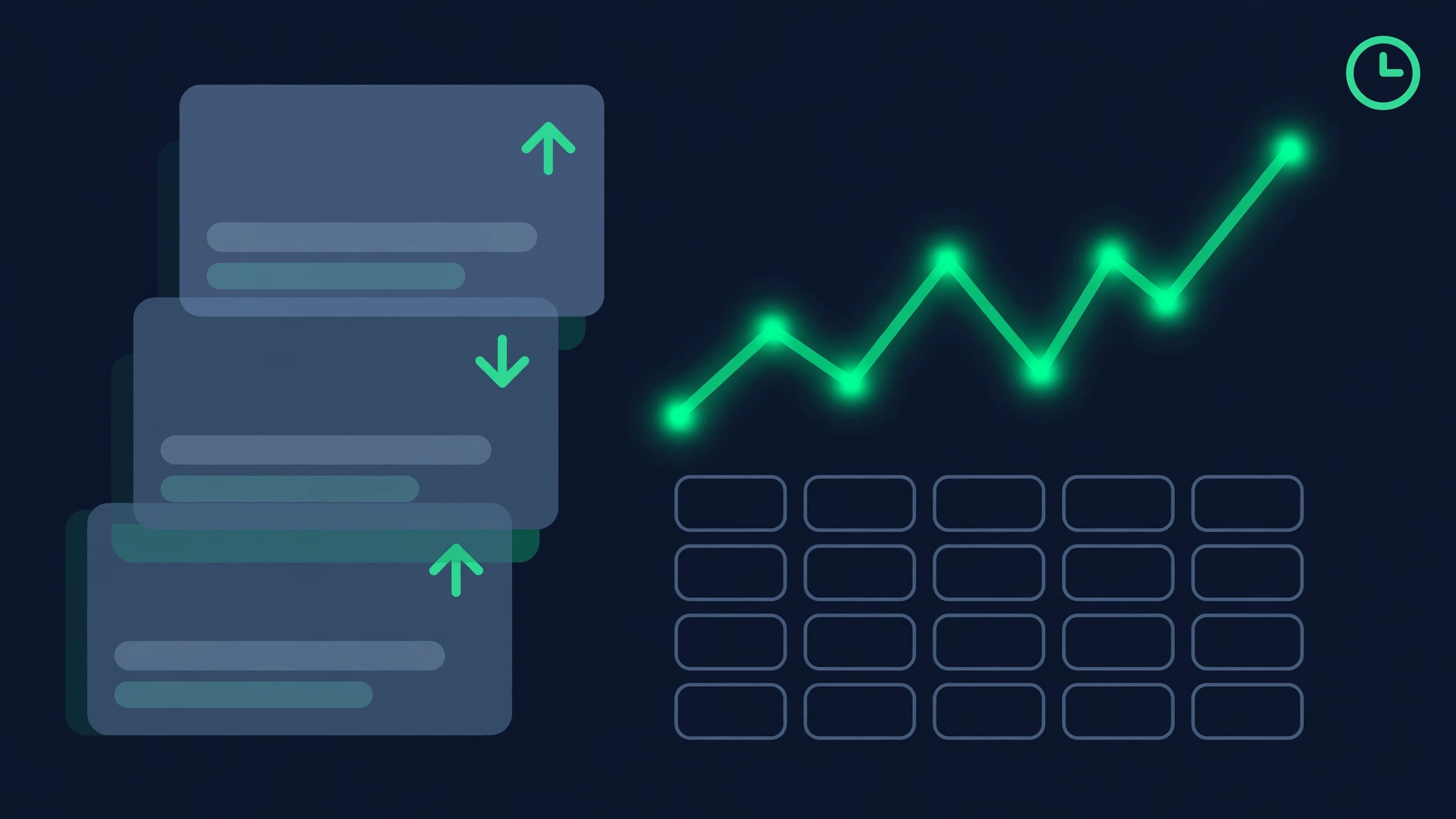
Local vs national SERPs: why does one keyword show two different pages?
The same keyword can return a map pack and local businesses for a searcher in Austin and a set of national guides for a searcher in another state. Google detects local intent — from the query words, the searcher's location, and past behavior — and rebuilds the page around it, so where you check from is part of the SERP.
Some queries carry explicit local intent ("emergency plumber austin"), but many carry implicit intent Google infers on its own: "pizza" or "oil change" trigger local packs without any location words. Meanwhile purely informational queries like "how to fix a leaky faucet" stay national almost everywhere. The dividing line is whether Google believes the searcher wants a nearby provider or an answer.
- Local SERPs show a map pack, review stars, hours, and distance — content depth matters less than proximity and prominence.
- National SERPs show guides, brands, and publishers — authority and content quality decide the winners.
- The same business can dominate its local pack while being invisible nationally, and vice versa.
- Location granularity goes deep: results can differ between neighborhoods in the same city.
Always check both views. Run the SERP Checker with country-level settings for the national picture and the Local Rank Checker for the city view, then optimize for the one your customers actually see. A national content strategy aimed at a keyword your buyers experience as local is effort spent on the wrong battlefield.

Why do mobile and desktop SERPs look different?
Mobile SERPs are a compressed, reordered version of desktop: fewer organic results above the fold, local packs and image carousels pushed higher, and ads stacking more aggressively. Since most searches happen on phones — and Google indexes mobile-first — the mobile SERP is the version that actually decides your traffic.
- Above the fold shrinks: mobile often shows only one or two organic results before scrolling, versus three or four on desktop.
- The local pack frequently appears first on mobile, since phone searches skew heavily toward local intent.
- Image and video carousels are swipeable and prominent, giving visual content an outsized role.
- Ads stack more aggressively on small screens, pushing organic results even further down.
- Page speed and mobile UX directly affect what users do after the click — a slow page wastes a hard-won ranking.
The practical takeaway: always check both devices in the SERP Checker before finalizing any content plan. A keyword that looks clean on desktop can be an ad-and-carousel sandwich on mobile. And if your page is slow or awkward on a phone, winning the click still loses the customer — mobile experience is part of SERP strategy, not a separate technical chore.
How do you turn SERP insights into a content brief?
A content brief is where SERP analysis becomes a plan: it translates everything the results page told you — intent, format, features, gaps — into instructions a writer can execute without guessing. A good brief takes about twenty minutes to write from a fresh SERP snapshot and prevents weeks of misfiring content.
- 1Capture the snapshot: keyword, date, device, location, and the full feature list from the SERP Checker.
- 2Declare intent and format in one line, for example: "Commercial investigation — comparison listicle."
- 3List the features you will target (snippet, People Also Ask, image pack) and exactly how each will be won.
- 4Mine People Also Ask and related searches for H2s — these are your subheading shortlist, straight from real searchers.
- 5Audit the top three results for gaps: outdated data, missing steps, thin coverage. Your angle lives in the gaps.
- 6Write the outline: H1, H2s, word-count target, internal links, and the one thing that makes this page better than the current rank one.
Keep every brief tied to its SERP snapshot with a date on it — when the page underperforms, the first debugging step is re-checking whether the SERP changed since you wrote the brief. After publishing, audit the page with the On-Page SEO Score Checker and watch its climb in the SEO Rank Checker.
A weekly SERP analysis routine you can actually stick to
Thirty to forty-five minutes a week beats a quarterly deep-dive every time. SERP analysis compounds: each week's snapshot makes next week's changes visible, and the routine below keeps the whole system running without eating your schedule.
- 1Monday — run the SEO Rank Checker on your money keywords and note any movers, up or down.
- 2Tuesday — deep-dive the full SERP for two or three target keywords with the SERP Checker; log features, formats, and new entrants.
- 3Wednesday — turn one People Also Ask cluster or feature gap into a content brief for your next page.
- 4Thursday — publish or optimize one page against its brief.
- 5Friday — snapshot the week's SERPs and compare with last week; features gained or lost go in the log.
Monthly, widen the lens: run the Competitor Rank Checker to see where rivals are climbing and the Keyword Gap Checker to find keywords they rank for that you do not. Every gap keyword gets the same treatment — check the SERP, read the intent, match the format, write the brief. That loop, repeated weekly, is how small sites systematically take pages from bigger ones. For a deeper companion method, see the keyword rankings guide.