
What search intent actually means
When someone types a query into Google, the words are only part of the message. The rest is the goal: what that person wants to happen next. One searcher wants an answer they can read. Another wants to reach a specific site. A third wants to compare options before spending money. A fourth wants to buy right now. Google has spent years learning to tell these goals apart, because serving the right kind of result matters more than serving a page that happens to contain the right words.
That goal is search intent. It is not a ranking factor you can toggle, and it is not a score a tool hands you. It is a way of describing what the searcher is trying to get done. Two queries can share nearly all the same words and carry different intent. Take the word coffee. A search for how to brew coffee at home is a learning job. A search for buy whole bean coffee is a buying job. A page that teaches brewing will not satisfy the buyer, and a product page will not satisfy the learner, even though both pages are about coffee and both could rank for coffee-related terms.
This is why intent decides rankings in practice. Google watches how people behave on results: which ones they click, whether they stay, whether they come back and click something else. A page that answers the wrong job tends to get skipped, left quickly, or followed by another search for the same thing. Over time, pages that match the job hold their spots, and pages that do not drift down. You cannot see that process directly, but you can see its outcome in the results page, which is where the next section starts.
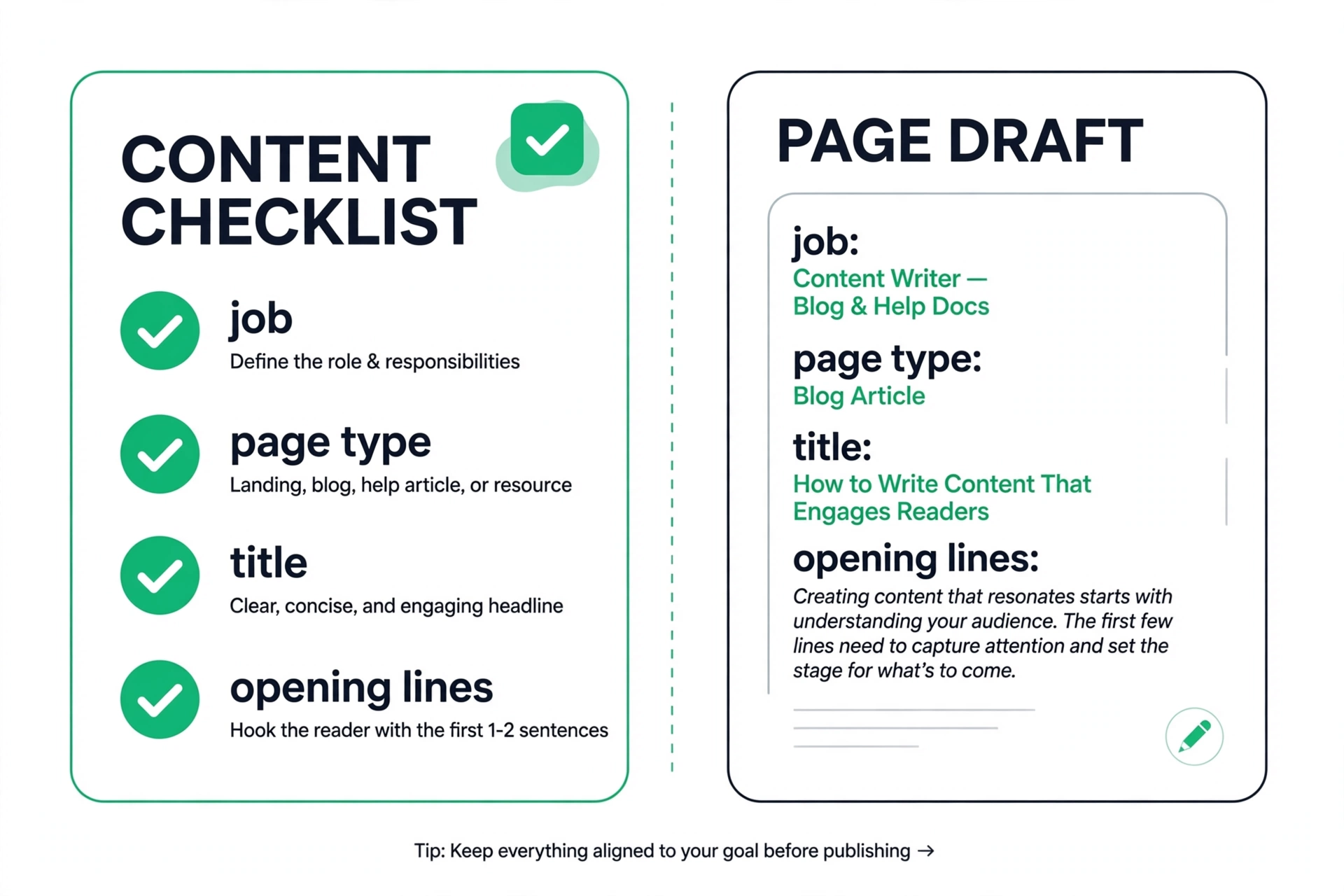
A useful habit is to state the job in one plain sentence before you write anything. Not the keyword, not the topic — the job. For example: this searcher wants to learn how to fix a leaky faucet without calling a plumber. Or: this searcher wants to buy a faucet and have it shipped this week. If you cannot write that sentence, you do not yet understand the query well enough to build a page for it. That one sentence will shape your title, your opening, your headings, and your call to action more than any keyword list will.

The four types of intent, in plain language
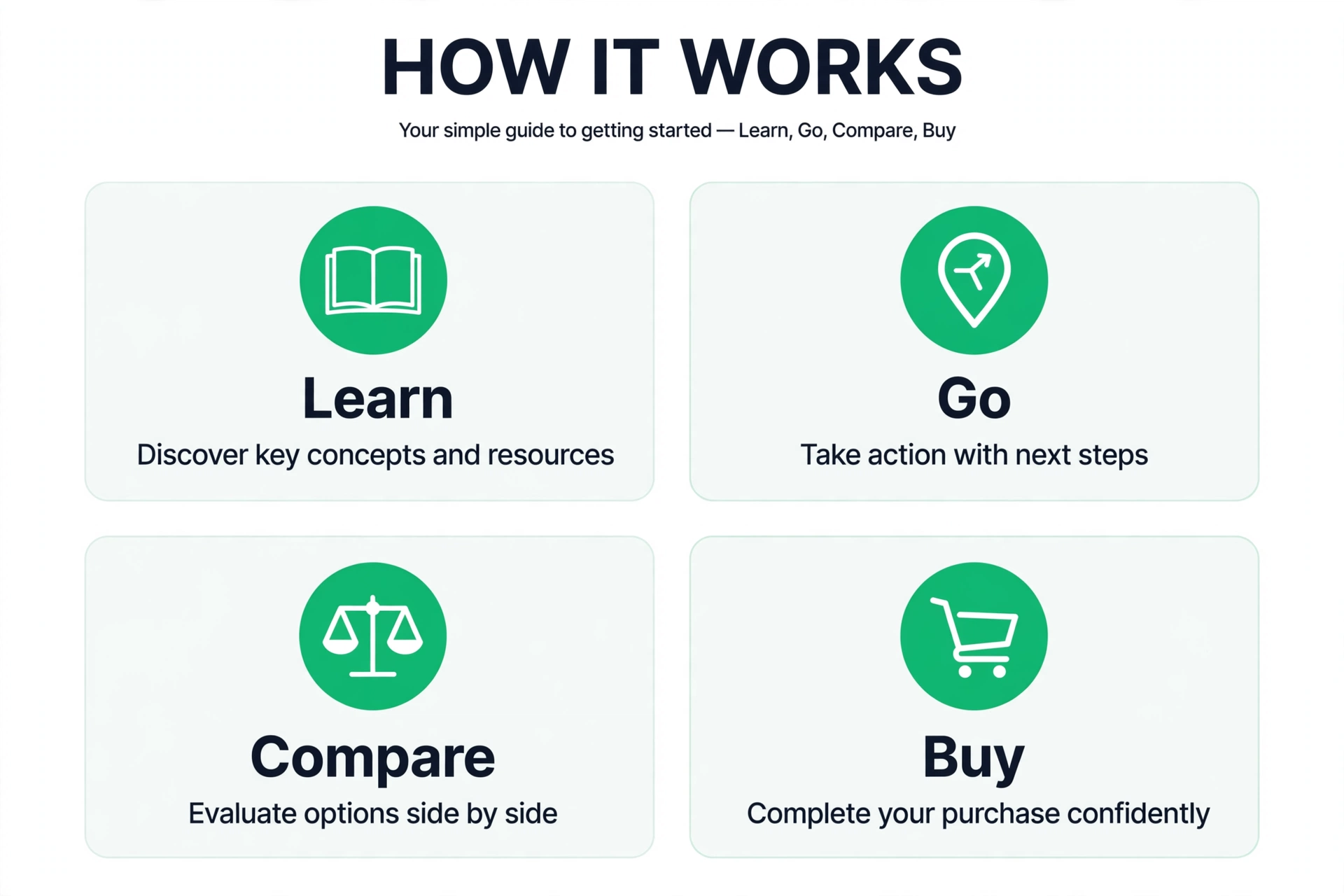
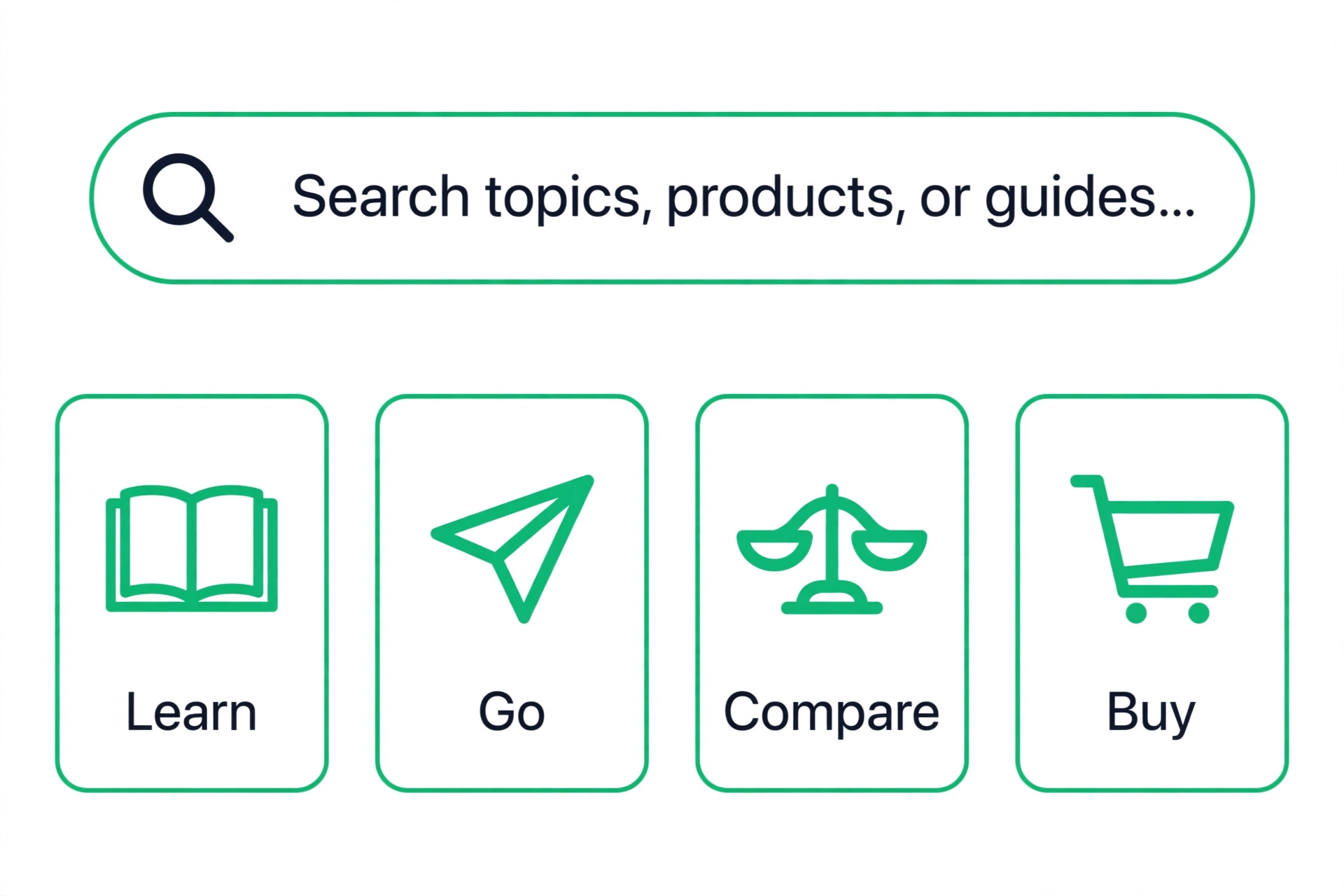
Intent is usually grouped into four types. The labels vary from source to source, but the jobs stay the same. First is informational: the searcher wants to learn something. Questions, how-to queries, definitions, and explanations all live here. The searcher is not ready to buy, and may never buy. They want a clear answer, and they judge the page by whether it teaches them something they can use.
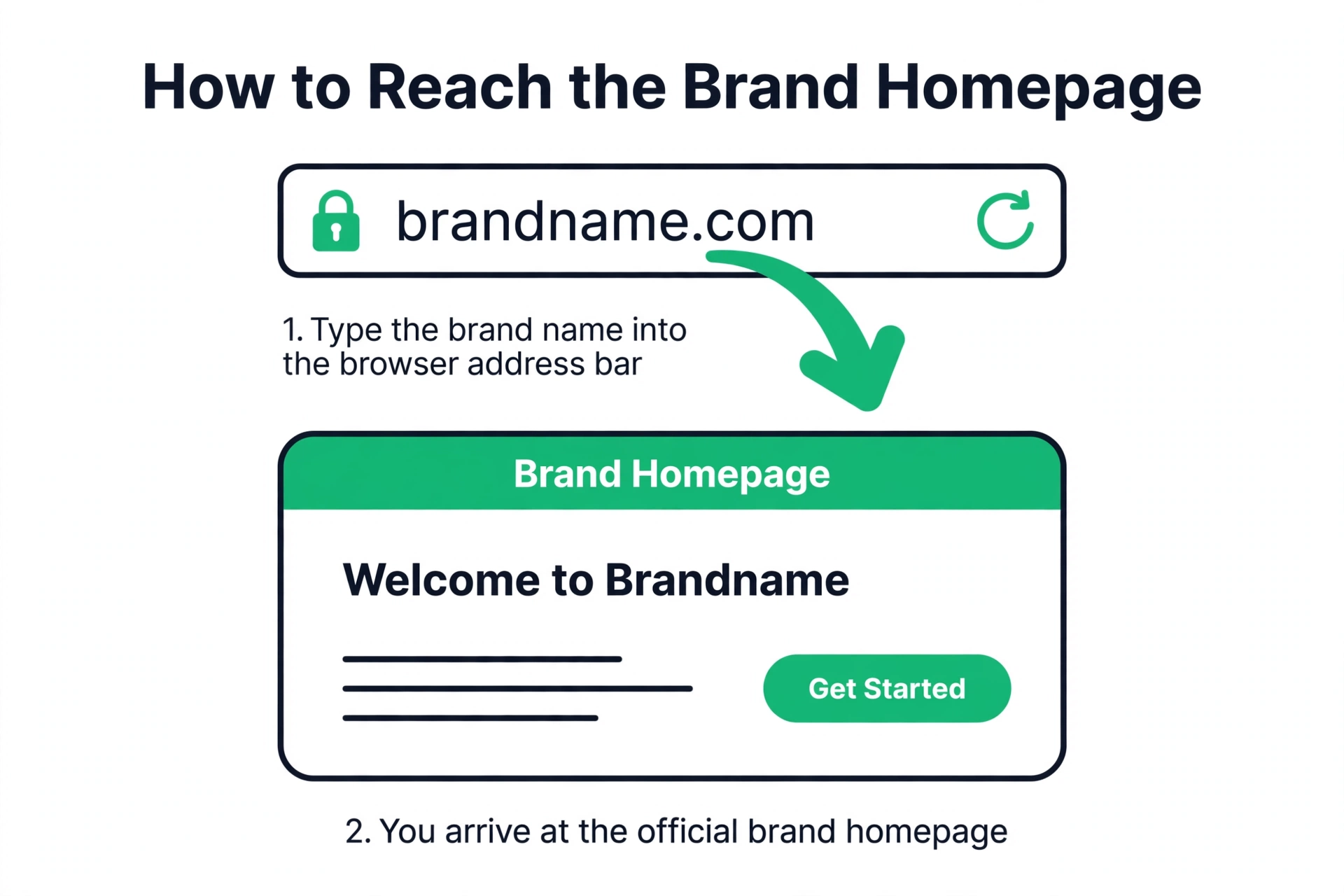
Second is navigational: the searcher wants to reach a specific site or page. They type a brand name, a product name, or a site name because it is faster than typing the address. These searches are usually already decided. The searcher knows where they want to go. Competing for someone else navigational query is usually a poor use of effort, because the searcher will scroll past you to reach the destination they had in mind.
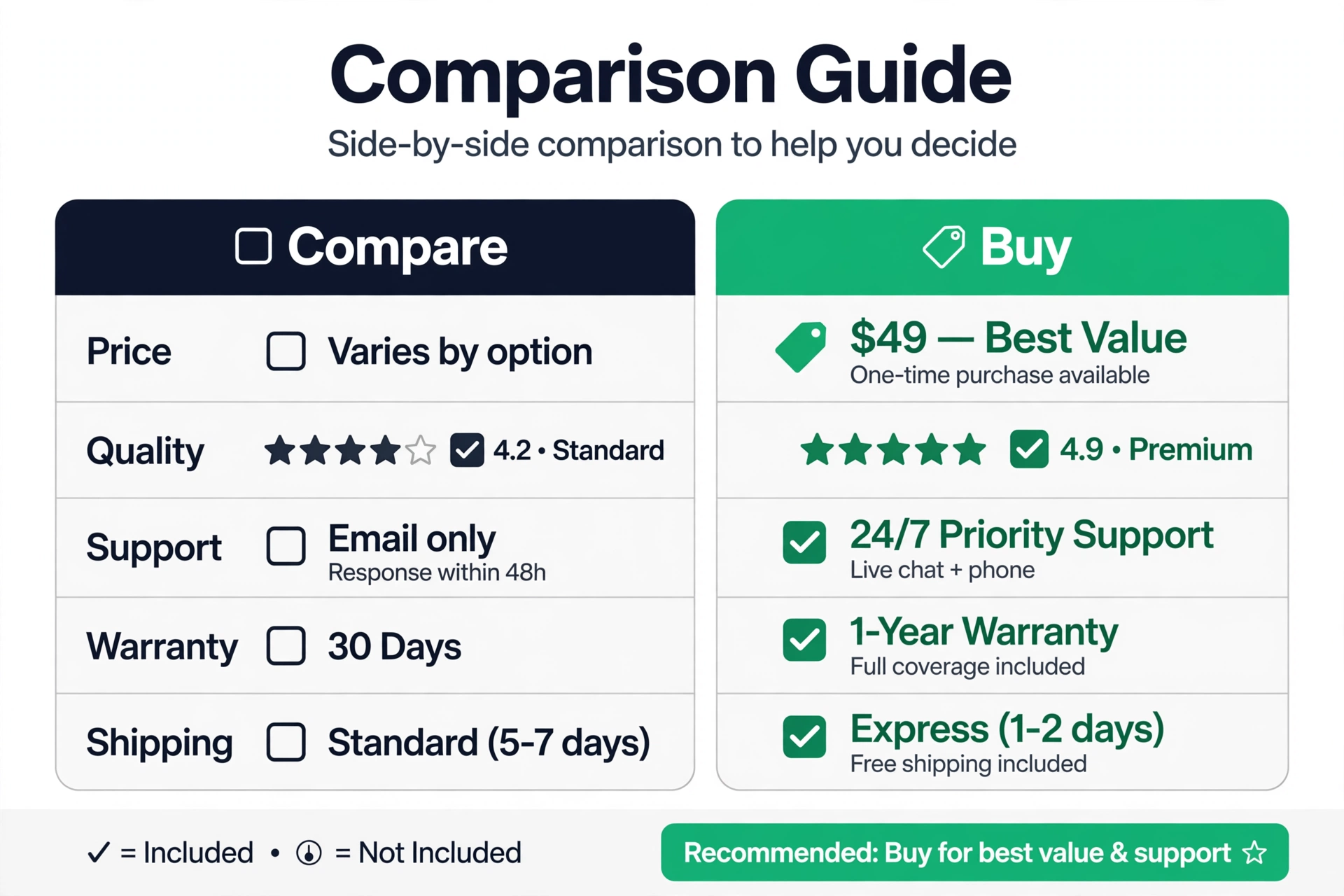
Third is commercial: the searcher wants to compare before deciding. Queries with words like best, review, vs, top, and alternatives belong here. The searcher has a purchase in mind but has not picked a winner. They want honest comparisons, differences that matter, prices, and trade-offs. Pages that only praise one option, or that hide the downsides, tend to lose these searchers to pages that lay the choice out straight.
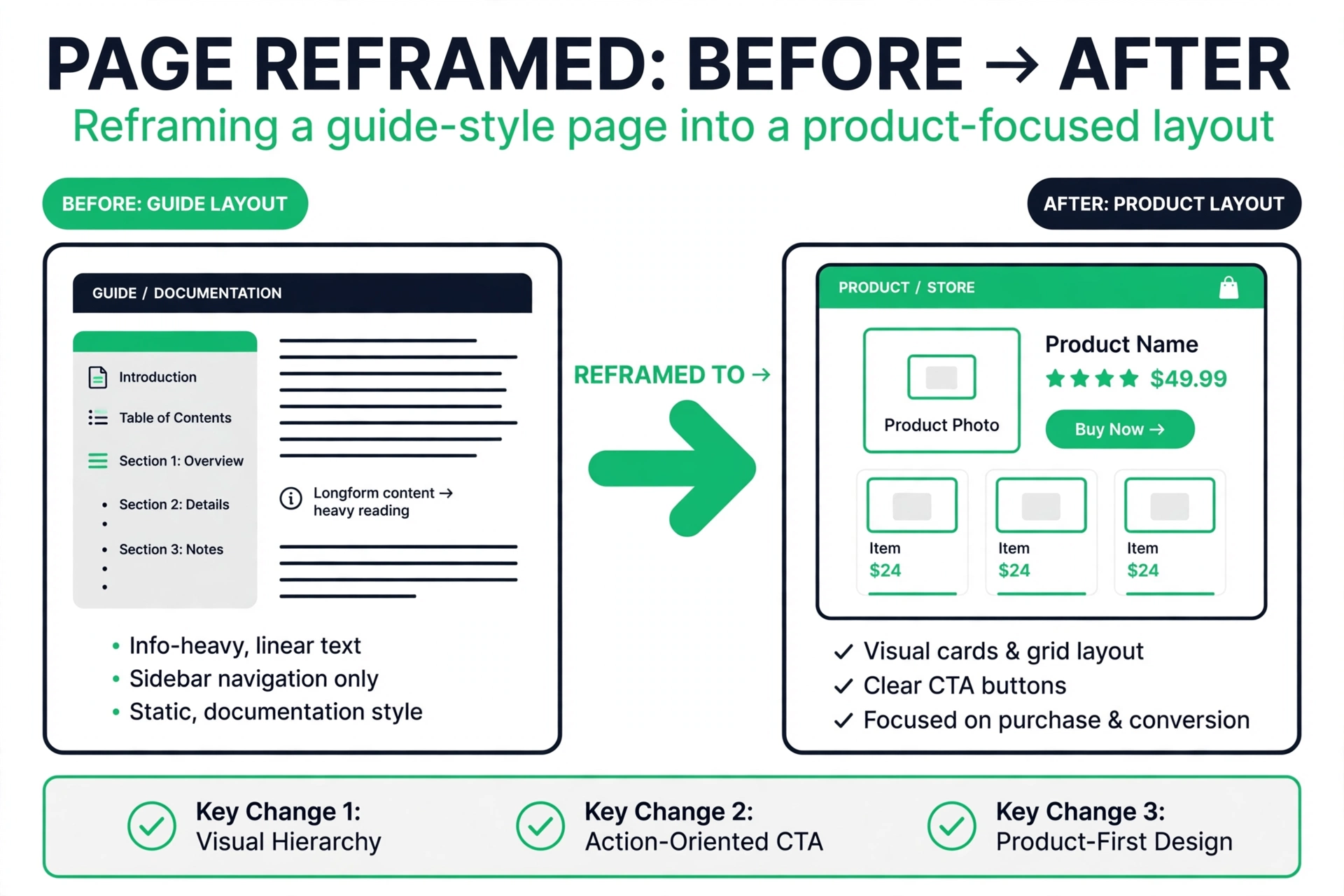
Fourth is transactional: the searcher wants to do something now — buy, book, sign up, download, or order. Queries with words like buy, price, order, near me, and coupon belong here. The searcher has decided, or nearly decided, and wants the shortest path to the action. Every extra paragraph between them and that action is friction. Product pages, booking pages, and signup pages are built for this job, and long guides usually are not.
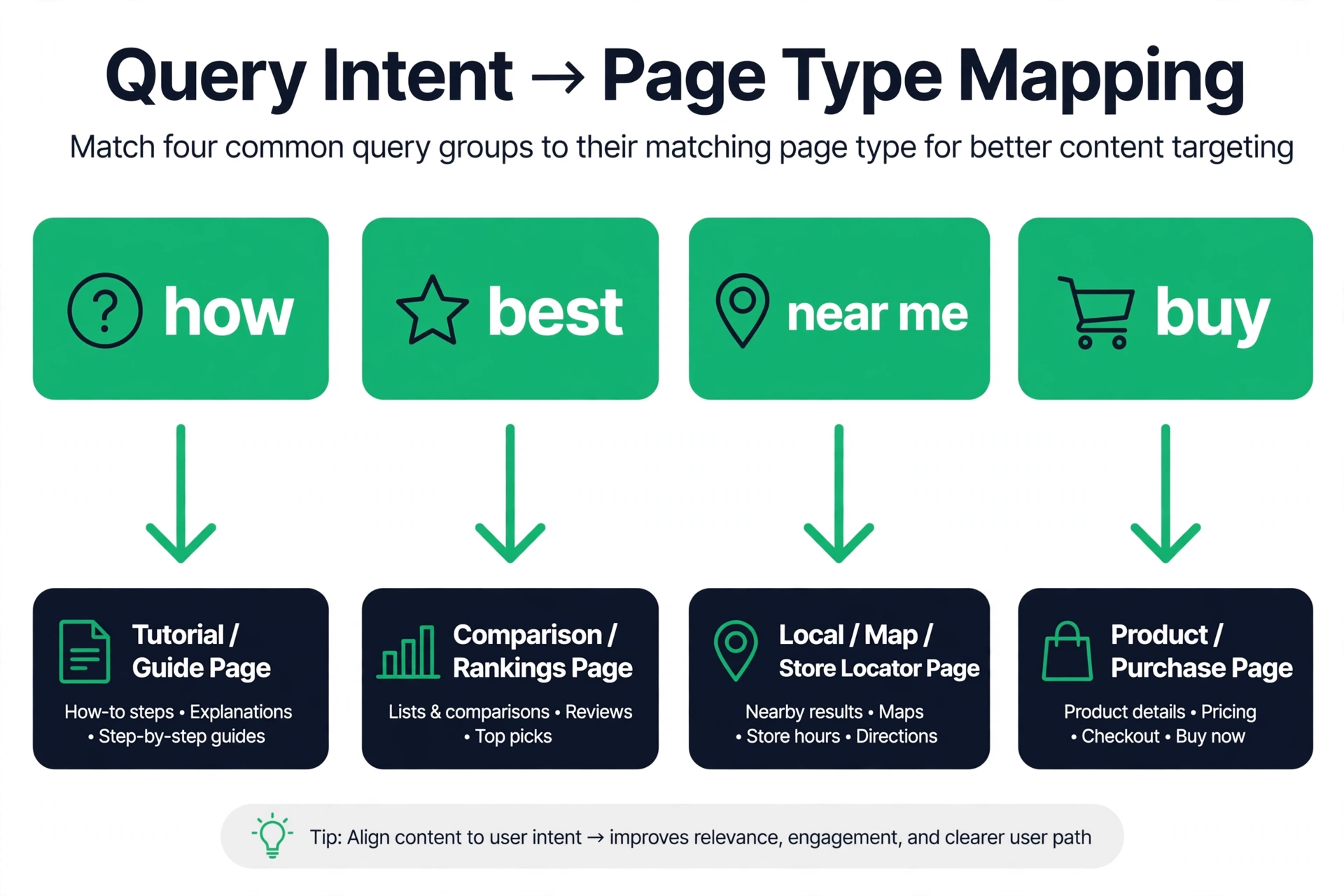
- Informational: learn something. Typical pages: guides, how-to articles, definitions, explainers.
- Navigational: reach a known site. Typical pages: homepages, login pages, brand pages.
- Commercial: compare options. Typical pages: comparison posts, best-of lists, review roundups.
- Transactional: act now. Typical pages: product pages, pricing pages, booking and signup pages.
How to read intent from the results page
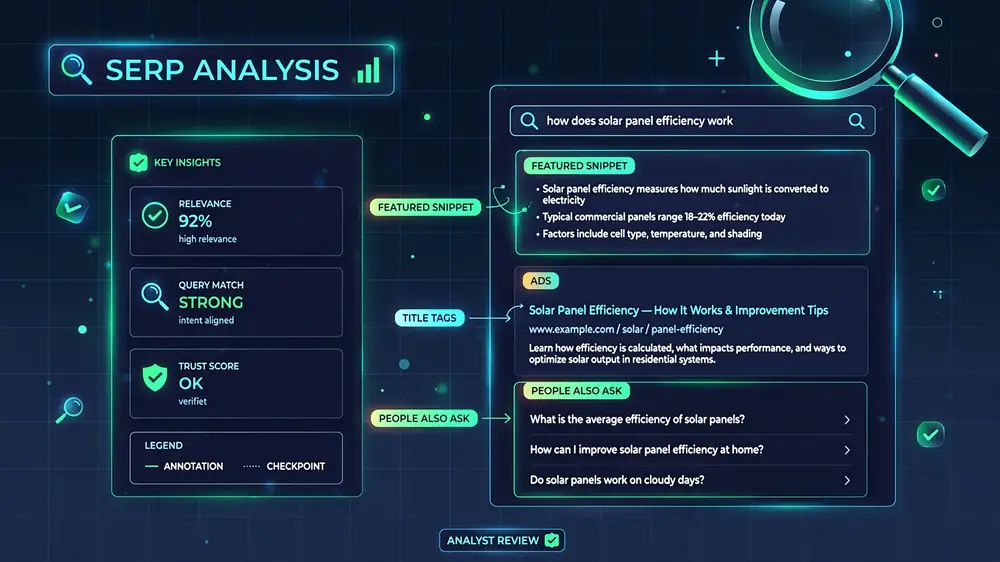
You do not need to guess intent. Google shows it to you on the results page. Search your keyword in a neutral way — logged out, or better, with a tool that checks a set location and device — and look at what kinds of pages hold the top spots. If the top ten is full of guides and how-to articles, the query is informational. If it is full of product pages and pricing pages, it is transactional. If it is a mix of comparison posts and review roundups, it is commercial. The results page is the answer key.
Look past the domains and study the formats. Are the winning pages long explainers with step-by-step headings, or short pages with a price, a buy button, and a few specs? Do the titles promise to teach, to compare, or to sell? Are there shopping results, local listings, videos, or question boxes at the top? Each of those features is a clue about the job. A results page crowded with shopping cards tells you buyers are in the room. A page full of question boxes tells you learners are asking follow-ups.
Also notice what is missing. If no product page appears in the top ten for your keyword, Google has decided product pages do not satisfy that query — at least not yet. Publishing one more product page will not change that decision by itself. If no guide appears, the reverse holds. This is the most common way people misread a keyword: they see volume and difficulty numbers and skip the one check that tells them what kind of page they actually need to build.
Run this check with the SERP checker so you see the full layout of the results page — the organic listings, the features around them, and which page types hold each spot — instead of relying on what your own browser shows you. Your own browser personalizes results based on your history and location, so it can show you a friendlier picture than a first-time searcher sees. A neutral check keeps the evidence clean.

Informational intent: what pages win and why
Informational pages win by teaching. The searcher arrived with a gap in knowledge, and the page that closes that gap fastest, in the clearest order, earns the click and the stay. That means the opening should answer the question or name the outcome right away, not spend three paragraphs warming up. Headings should follow the order a person would actually work through the problem. Examples should be concrete enough to copy, not abstract enough to admire.
Depth matters here, but depth is not word count. A page that covers the full task — what to do, what order to do it in, what goes wrong, and how to check the result — beats a longer page that repeats the same point in five ways. Searchers judge informational pages by whether they can act after reading. If your page leaves them searching again for the same question, it has not done its job, and Google can see that in the way people behave after clicking it.
One trap with informational pages is selling too early. A guide that turns into a sales pitch in paragraph two breaks the deal the searcher thought they made when they clicked. You can mention a product where it genuinely helps, and you can link to it, but the page has to deliver the learning first. Readers accept a recommendation inside a guide that already taught them something. They resent a guide that was a pitch wearing a how-to title.
Another trap is answering a question nobody asked. Writers sometimes pad guides with background the searcher does not need. A person who searched how to reset a router does not need the history of home networking. A short section of context is fine when it changes the steps that follow. Pages of it are not. Cut anything that does not help the reader finish the job, and the page will read faster and rank better for it.
Navigational intent: why you usually cannot chase it
Navigational queries look tempting because the searcher clearly wants something specific. But the specificity is the problem: they want a specific site, and it is usually not yours. When someone searches for a well-known brand, the brand homepage, its login page, and its app pages will hold the top spots, and they should. Google knows the searcher wants that destination, and it is not going to hand the top spot to a stranger writing about the brand.
The useful version of navigational intent is your own. Make sure your own brand and product names lead to your own pages. That sounds obvious, but it breaks more often than people expect: a homepage with a vague title, a login page that is hard to find, or a rebrand that leaves old names pointing nowhere. Check your own brand terms the way a new customer would, and fix anything that sends them to a competitor, a directory, or a dead page.
There is one gray area worth understanding. Some queries mix navigational and commercial intent: a searcher types a competitor brand plus a word like pricing, reviews, or alternatives. They may be checking the competitor, but they are also open to options. Pages that compare honestly can serve those searchers. Pages that pretend to be the competitor, or that trash the competitor without evidence, usually do not. If you write in this space, keep the comparison fair and factual, and let the reader decide.
As a rule, do not build your content plan around other brands navigational terms. The ceiling is low, the searcher is not really shopping, and the effort is better spent on queries where the searcher is open to a new answer. Your own brand terms deserve a quick check each month. Everyone else brand terms deserve a pass.

Commercial intent: the comparison stage
Commercial searchers are close to a decision but not past it. They want to compare, and the page that helps them compare wins. That means the comparison has to be real. A page titled with best or top that lists one product and calls it the winner is not a comparison — it is an ad with a comparison title, and readers see through it in seconds. Lay out the options side by side, on the same criteria, so the reader can weigh them without doing extra research.
The criteria matter more than the winner. A good comparison page answers the questions a buyer actually asks: what does each option cost, what is included at that price, what is missing, who is it built for, and what breaks first. Prices should be current and plainly stated, including what the headline price leaves out. Differences should be specific — a named feature, a named limit, a named use case — not vague claims that one option is better.
Commercial pages also need to respect the searcher timeline. This reader is not ready to buy this minute, and pushing them to buy now can backfire. A clear summary at the end — if you need this, pick that; if you need that, pick this — helps more than a hard sell. So do honest downsides. A page that admits where each option falls short reads as trustworthy, and trust is what moves a comparison reader to the next step.
One more point: commercial pages age fast. Prices change, features change, and a comparison from last year can mislead this year readers. If you publish comparison content, put it on a review schedule. Re-check prices, re-check feature lists, and update the date and the content together. A stale comparison page is worse than no page, because it sends readers to buy something on facts that no longer hold.
Transactional intent: the buy-now page
Transactional pages have one job: make the action easy. The searcher has decided, or nearly decided, and every element on the page should shorten the path to the action. Price should be visible without scrolling or hunting. The action button should say what happens next in plain words. Delivery, availability, and return terms should sit near the decision, not buried in a footer. Anything that does not help the searcher act is a candidate for removal.
This is also where trust signals earn their keep. A first-time buyer on a page they have never seen wants to know the purchase is safe: clear pricing with no surprise fees, a stated return or refund policy, real contact information, and reviews from real buyers. Stock photos of smiling people do not build trust. Specific, verifiable details do. If you offer a guarantee, state exactly what it covers and how to use it.
A common mistake is writing a transactional page like a guide. Long introductions about the history of the product, paragraphs of background, and a buy button at the bottom all slow down a reader who came to act. Put the essential facts first — what it is, what it costs, what you get — and move background below the action. The buyer who wants background can scroll. The buyer who wants to buy should not have to.
The reverse mistake is just as common: a guide that ends with a buy button and calls itself a product page. If the query is transactional, the page has to behave like a product page from the first screen, not from the last paragraph. When you review a transactional page, ask one question: could a searcher complete the purchase in under a minute from landing here? If the answer is no, find the friction and remove it.
Mixed intent and how to handle pages that serve two jobs
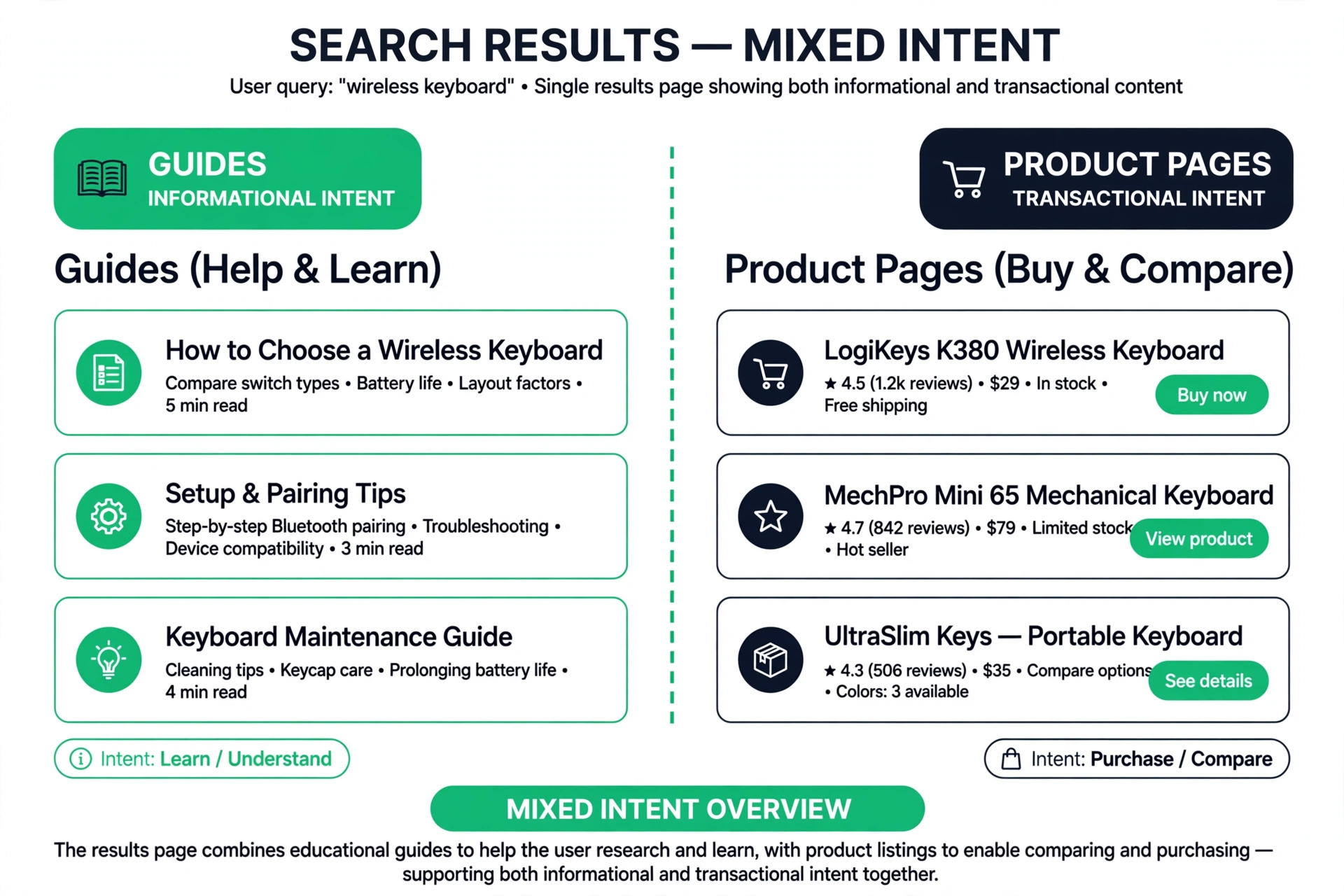
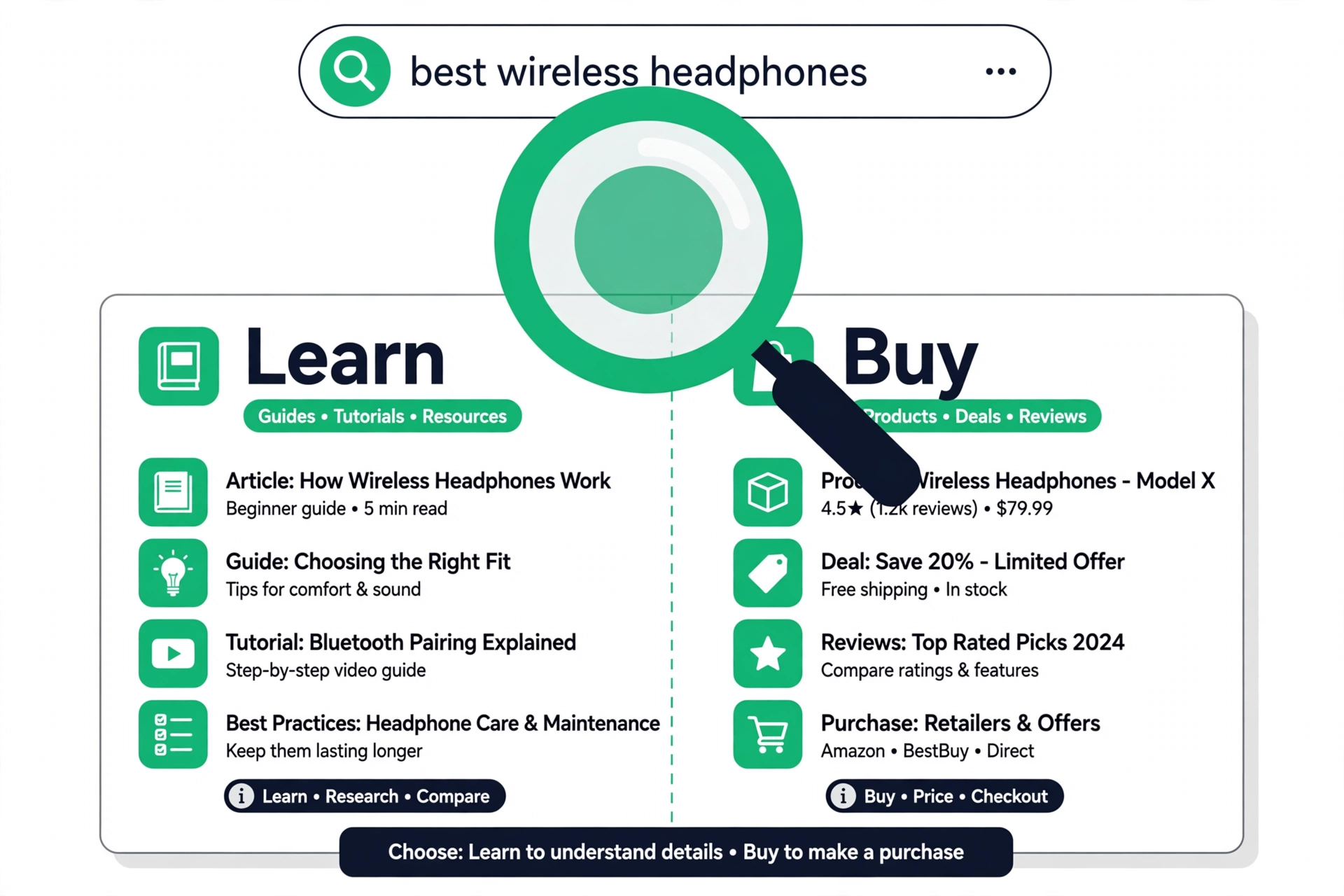
Not every query has one clean intent. Some queries split: half the searchers want to learn, half want to buy. The results page shows it — a mix of guides and product pages sharing the top ten. A query like best standing desk is often like this: some searchers want a comparison article, some want to land on a product page and check out. Neither format owns the query outright, and that split is information, not noise.
When intent is mixed, the honest move is to serve both jobs on one page or split the work across two pages. Serving both on one page works when the jobs are close: a comparison article with clear product cards and prices can satisfy a learner and a buyer at once. Splitting works when the jobs are far apart: a guide for the learners and a product page for the buyers, each linked to the other. What does not work is picking one job and ignoring the other half of the audience.
Watch out for mixed intent that changes over time. A new product category often starts informational — people search to understand what it is — and turns transactional as the category matures and buyers arrive. A query that was a guide query last year can be a product query this year. Re-checking intent for your important keywords every few months catches these shifts before your page goes stale.
Seasonal shifts matter too. A query can lean informational most of the year and turn transactional around holidays or sale events, when more searchers arrive ready to buy. If your page serves the learning job well but has no path for the buyer, you will watch those seasonal buyers land and leave. A simple product block or a link to the matching product page, placed where a ready buyer would look, closes that gap without rewriting the page.
The mismatch problem: a good page doing the wrong job
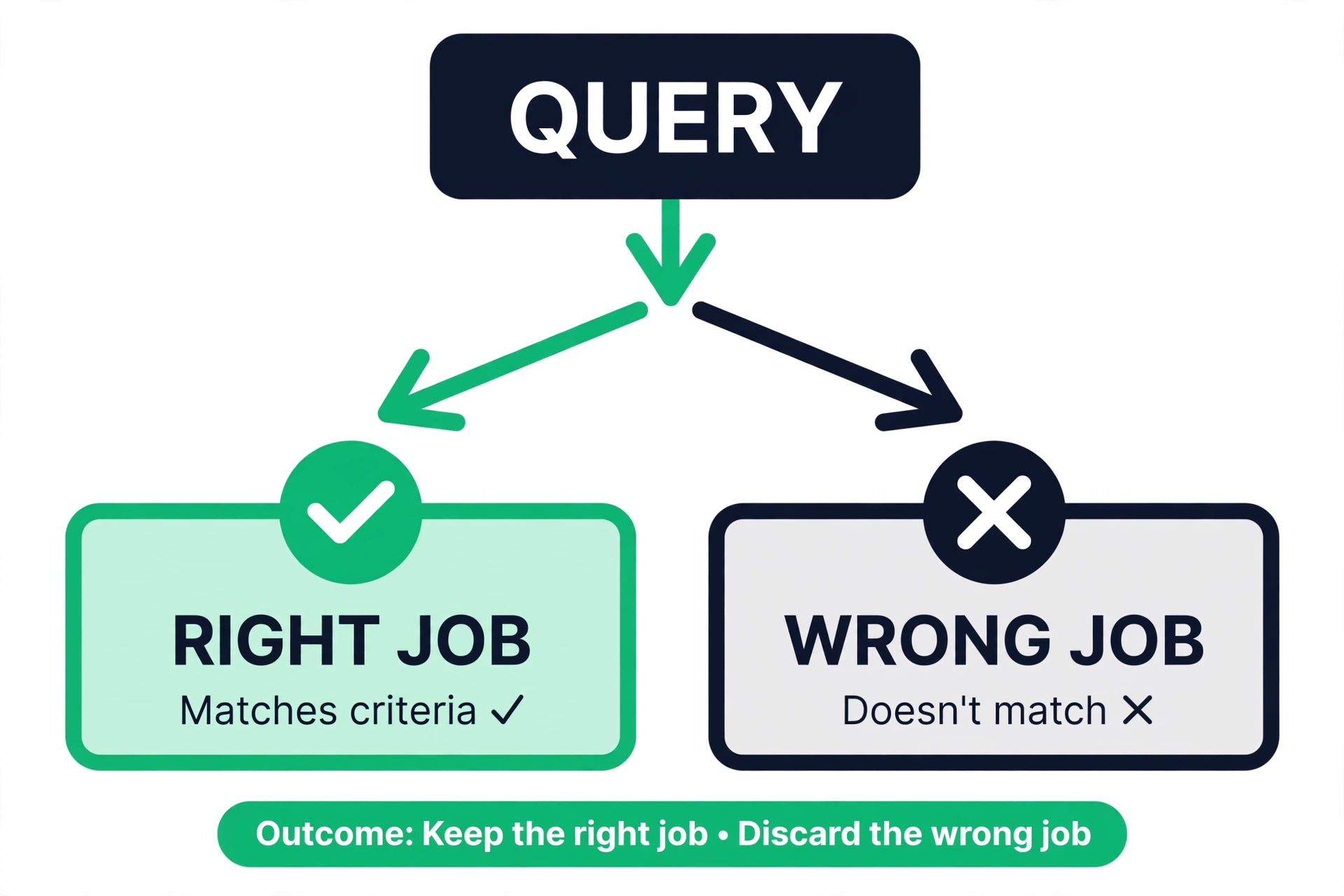
Here is the failure mode this post is really about. A team writes a careful, accurate, well-structured guide for a keyword that turns out to be transactional. The guide is good. The writing is clean. The page still stalls on page three or four, and nobody can explain why. The explanation is intent: the searchers want to buy, and Google is showing them pages that let them buy. A guide, however good, is not what they asked for.
The reverse happens just as often. A team builds a product page for a keyword that is informational, then wonders why it cannot crack the top ten. The searchers want to learn, and the results page is full of guides. A product page with a price and a buy button does not teach, so it does not win. In both cases the team blames the algorithm, the competition, or the budget. The real problem is simpler: the page answers a question the searcher did not ask.
Mismatch has a signature you can learn to spot. The page ranks somewhere — page three, four, or five — but never climbs, no matter how much you polish it. Click-through stays low even when the title is strong. People who do click leave quickly, or they bounce to a competitor result for the same query. And the top ten for the keyword looks nothing like your page: different format, different length, different promise. When you see that pattern, stop polishing and start re-matching.
The cost of mismatch is not just one ranking. It is the months spent improving a page that was never going to win in its current form, and the content budget spent on polishing instead of re-matching. The fix is usually cheaper than the polish was. Often the same research, the same facts, and the same expertise can be reshaped into the format the query actually wants — and that reshaped page does in weeks what the mismatched page could not do in months.
Matching page type to intent before you write a word
The cheapest time to match intent is before drafting. Start with the keyword, check the results page, and write down the dominant page type in the top ten. Then commit: if the winners are guides, you are writing a guide. If the winners are product pages, you are building or improving a product page. If the winners are comparisons, you are writing a comparison. That decision comes first, and everything else — title, headings, length, call to action — follows from it.
Next, study the winning pages for structure, not just topic. How do they open? What do their headings cover, in what order? Where do they place prices, examples, or calls to action? You are not copying them — your page has to earn its spot on its own merits — but their structure tells you what searchers expect from a page on this query. A guide whose headings skip a step every competitor covers will feel incomplete. A product page that hides its price while every competitor shows theirs will feel evasive.
Then check your own site for the right home for the page. Sometimes the matching page already exists and the new keyword belongs on it, not on a fresh page. Adding a section to an existing guide that already serves the job beats publishing a second, thinner page that splits your effort. Other times the keyword needs its own page because the job is different enough to deserve one. The test is simple: would a searcher landing on the existing page feel the job is done? If yes, improve that page. If no, build the new one.
- 1Search the keyword and list the page types in the top ten.
- 2Name the dominant job in one sentence: learn, go, compare, or buy.
- 3Pick the page type that serves that job, and commit to it.
- 4Sketch headings that follow the job from start to finish.
- 5Write the opening to deliver on the title promise at once.

Reading the query itself: words that signal intent
The results page is the best evidence, but the query itself carries signals too, and learning to read them speeds up every keyword decision. Question words — how, what, why, when — usually point to learning. Words like best, top, vs, review, and alternatives usually point to comparing. Words like buy, order, price, coupon, and near me usually point to acting. Brand names usually point to navigating. None of these are rules. They are starting guesses you confirm against the results page.
Watch the small words, because they change the job. A query for running shoes is broad: some searchers want to learn, some want to compare, some want to buy. Add best, and the comparison job takes over. Add buy, and the buying job takes over. Add for flat feet, and the learning and comparison jobs blend — the searcher wants guidance for a specific need. Each added word narrows the job, and the narrower the job, the clearer the page you should build.
Plural and singular forms can shift intent as well. A singular query often leans toward one specific thing — a definition, a product, a fix. A plural query often leans toward options and lists. This is not a law, and the results page always has the final word, but when two similar keywords show different result formats, the small wording difference is often the reason.
Also pay attention to who the searcher is, not just what they typed. A query like email marketing software could come from a beginner who needs an explainer or a buyer who needs a shortlist. The results page will show which searcher Google sees most often. If the top ten is full of beginner guides, the beginner is the audience. If it is full of comparison posts, the buyer is. Build for the searcher who actually shows up, not the one you wish showed up.
How intent fits into keyword research
Keyword research usually starts with volume and difficulty, and both numbers are useful. Volume tells you how many people ask. Difficulty tells you how hard the top spots will be to take. But neither tells you what the searchers want, and a keyword with attractive numbers can still be a bad target if its job does not match anything you can serve. A high-volume query with transactional intent is a poor target for a site with no product page. A high-volume informational query is a poor target for a site that only publishes product pages.
The fix is to add an intent column to every keyword list you keep. Next to volume and difficulty, note the dominant job and the page type it needs. That one column changes how you read the list. Keywords stop being a pile of numbers and become a set of jobs, and you can see at a glance which jobs your site already serves well and which ones need new pages. It also stops the most common keyword research mistake: picking a keyword for its volume and discovering its job after you have already written the page.
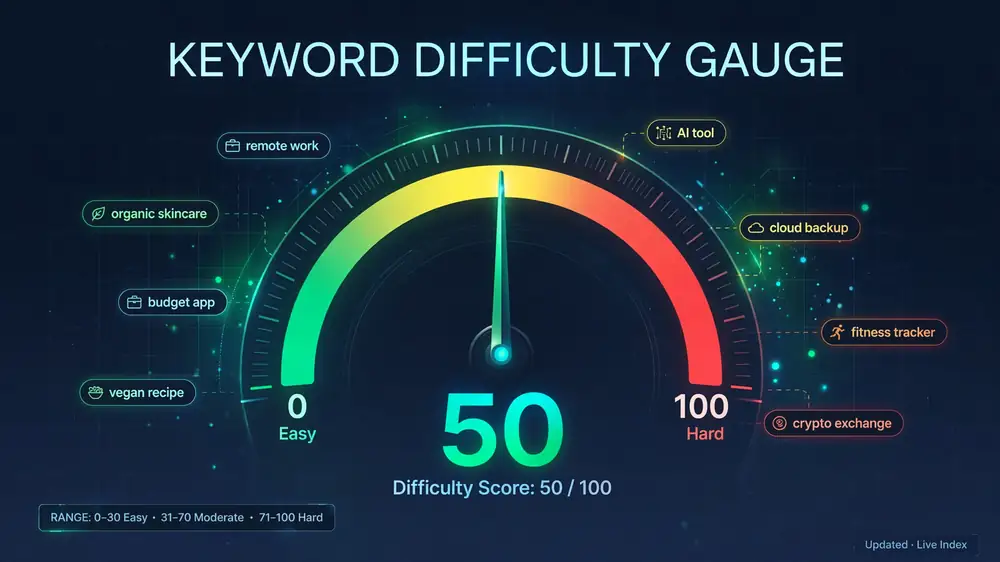
Difficulty and intent interact in a way worth understanding. A keyword can be low difficulty and still hard to win if your page type is wrong — easy competition does not help a mismatched page. And a keyword can be high difficulty and still worth the fight if your page matches the job better than the current winners do. When you weigh a keyword, ask the intent question first and the difficulty question second. The free keyword difficulty checker will tell you how strong the field is; the results page will tell you which game the field is playing.
Intent also shapes how you group keywords. Queries with the same job and the same answer belong on one page. Queries with different jobs need different pages, even when the words overlap. A guide on how to choose running shoes can serve a cluster of learning queries. It cannot also serve the buying queries for specific models — those belong on product pages. Group by job first, then by wording, and your site structure will start to mirror the way searchers actually think.
Checking whether your page matches: a practical review pass
You can audit any page for intent fit in about ten minutes. Open the page, then open the results page for its main keyword side by side. First, compare formats: is your page the same kind of page as the winners? If they are guides and yours is a product page, or they are product pages and yours is a guide, you have found your problem. Format is the first and biggest signal, and it is the one people most often get wrong.
Second, read your title and opening the way a searcher would. Does the title promise the job the query asks for? Does the first screen deliver on that promise, or does it delay it? A searcher who clicked a guide title and lands on a sales pitch feels misled. A searcher who clicked a buy title and lands on a history lesson feels stalled. Both leave. The title and the first screen have to agree with each other and with the query.
Third, check the call to action. An informational page should end with a next step that fits a learner: a related guide, a checklist, a tool to try. A transactional page should end with the action itself: buy, book, sign up. A commercial page should end with a clear recommendation and a path to act on it. A call to action that fights the page job — buy now on a beginner guide, read more on a product page — tells you the page does not know what it is for.
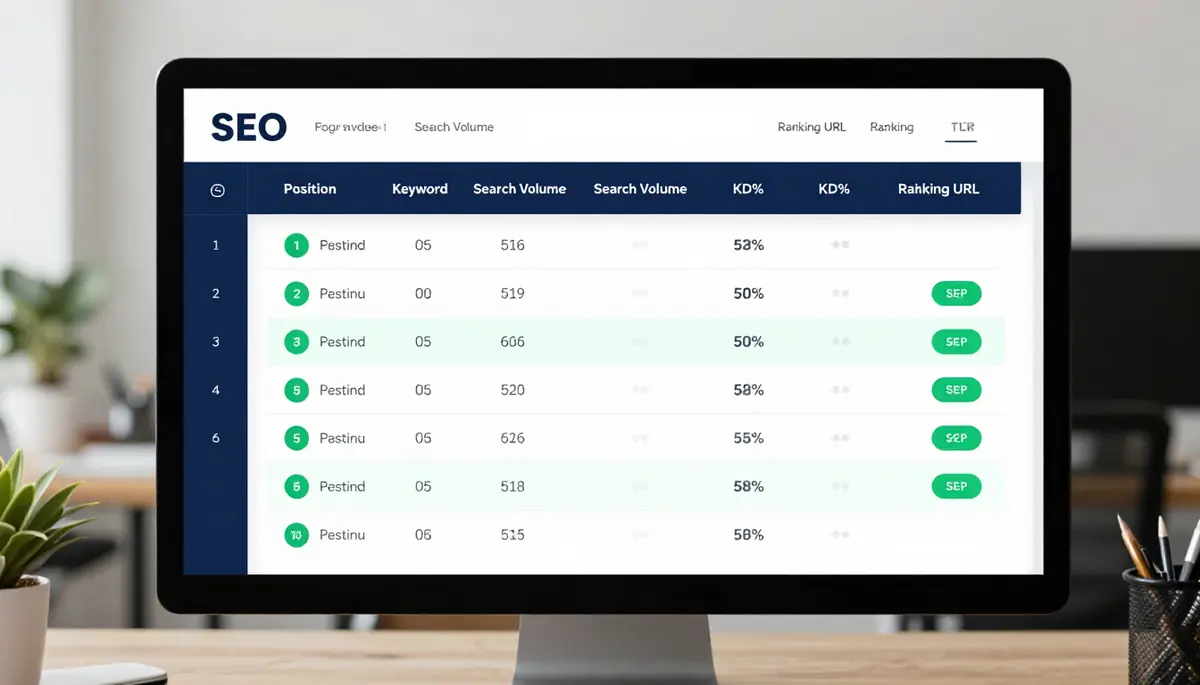
Fourth, check your own rank with a neutral tool. Run the page main keyword through the free Google rank checker and note the position, the ranking URL, and who sits around you. If a different page on your site ranks for the keyword, Google has picked its own answer to the job — study that page instead. If your page sits on page three or deeper while matching pages rank above it, mismatch is the first suspect, ahead of links or word count. For a deeper look at the full results layout, see the related guide on finding keyword ranking opportunities.
Fixing a mismatch without starting over
A mismatched page is rarely a total loss. The research is usually sound, the facts are usually right, and the expertise is real. What is wrong is the shape, and shape can be changed. The first fix is reframing: keep the content, change the job it does. A guide that targets a transactional keyword can become a product page that keeps the useful facts as supporting detail — specs, what is included, how to choose — with price and action up front. A product page that targets an informational keyword can become a guide that keeps the product as the recommended next step.
The second fix is splitting. Sometimes one page tries to serve two jobs and serves neither well. A page that is half guide and half product page can confuse both audiences. Splitting it into a guide and a product page, with each linking to the other, lets each page do one job cleanly. The guide keeps the learners. The product page keeps the buyers. Internal links carry anyone who wants to cross over. Splitting feels like more work, but it is usually less work than rewriting one page into a compromise that pleases no one.
The third fix is consolidation. Sometimes two pages on your site both half-serve the same job, and Google cannot tell which one to rank. Merging them into one stronger page — keeping the best sections of each, cutting the overlap, and redirecting the weaker URL to the stronger one — gives the job a single clear home. Consolidation works best when the two pages target the same job and the same audience. It does not work when the pages serve different jobs; that is a split, not a merge.
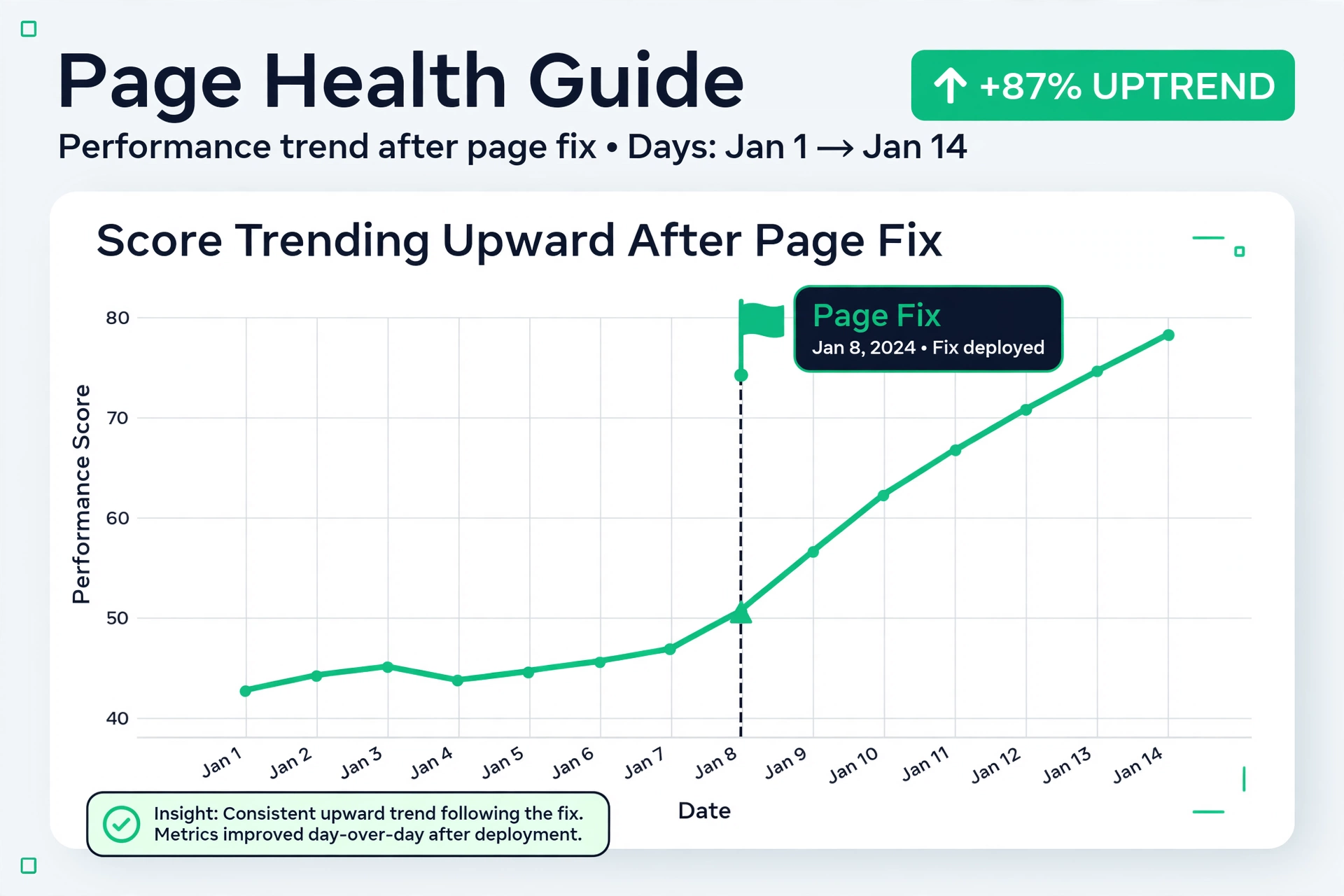
Whichever fix you pick, change one thing at a time and track the result. Re-publish, then check the same keyword the same way each week for a few weeks. Rankings respond to intent fixes on a delay, not instantly, so give the change time before judging it. If the position climbs and clicks follow, the match is better. If nothing moves after a fair interval, re-check the results page — the dominant job may have shifted, or the page may need a deeper rebuild rather than a reframe.
Intent, titles, and the first screen
Title tags are where intent matching becomes visible. A title is a promise, and searchers decide in a glance whether the promise matches their job. A guide title should promise learning: how to, what is, a complete walkthrough. A comparison title should promise a comparison: best, vs, reviewed, compared. A product title should promise the product: the name, the key spec, the price or the action. When the title promises one job and the page does another, the searcher feels tricked, and tricked searchers do not stay.
The first screen has to keep the promise the title made. A learner who lands on a page should see the answer starting, not a wall of introduction. A buyer should see the product, the price, and the action. A comparer should see the options. This is not about dumbing the page down. It is about putting the most useful part first and letting the rest support it. Pages that do this feel fast and helpful even when they are long, because the reader finds their footing at once.
Headings carry the same duty through the rest of the page. A reader scanning headings should be able to follow the job from start to finish: the steps for a guide, the criteria for a comparison, the facts for a product page. If the headings read like a list of keyword variations instead of a path through the job, the page will feel scattered even if every paragraph is accurate. Write headings for the scanning reader, not for the keyword counter.
Meta descriptions play a supporting role here. They do not decide rankings, but they shape the click, and the click is the searcher voting that your page matches their job. A meta description that restates the job — learn this, compare these, buy this — and names the payoff will pull the right searchers and filter out the wrong ones. That filtering is good. A click from a searcher whose job you cannot serve is not a win; it is a fast exit.
Putting it together: a weekly intent habit
Intent work is not a one-time project. It is a habit that fits inside the keyword work you already do. Once a week, pick your most important keywords and check the results page for each one. Note the dominant job, the winning page type, and whether your page matches. Most weeks nothing will have changed, and the check takes minutes. Some weeks you will spot a shift — a guide query turning transactional, a new feature crowding the top of the page — and catching it early is worth far more than the minutes the check cost.
When you plan new content, put the intent check before the outline. Search the keyword, read the results page, name the job in one sentence, and only then write. When you review old content, run the same check on pages that have stalled. Before you blame links, length, or budget, ask whether the page does the job the query asks for. In a large share of stalled pages, the honest answer is no, and the fix is a re-match rather than more of the same.
Keep a simple record as you go: keyword, job, page type, date checked, and what you changed. Over months that record becomes a map of your site by job, and it makes the next round of decisions faster. You will see which jobs your site serves well, which jobs need new pages, and which pages keep drifting out of match. That map is the practical payoff of understanding intent — not a theory about search, but a working list of pages that do the job their searchers came to do.
Start with one page today. Pick a keyword that matters to you, run a neutral check, and read the top ten with the job in mind. If your page matches, you have confirmed a good fit and you can move on with confidence. If it does not, you have found work that is worth more than another round of polishing: reshape the page to the job, re-publish, and track it. That single loop — check, match, track — is the whole method, and it is enough to keep your content pointed at the searchers you want to reach.
Two worked examples: the same topic, different jobs
Take a small business that sells standing desks. The owner wants to rank for standing desk, so the team writes a long guide about standing desks: what they are, why people use them, and how to set one up. The guide is accurate and well organized, but it never climbs past page three. The results page explains why. For standing desk on its own, the top spots are product pages and category pages, not guides. The searchers behind that query are mostly shopping. They want to see desks, prices, and options, not read an explainer. The guide is not bad. It is aimed at the wrong job.
The fix is not to delete the guide. It is to give each job its own page. The team keeps the guide and retargets it to a learning query it can actually serve, such as how to set up a standing desk, where the results page is full of guides. Then they build a category page for standing desk itself: the desks, the prices, the filters, the action. Each page now matches the job its keyword asks for, and the two pages link to each other. A learner who finishes the guide can cross over to shop. A buyer who wants setup help can cross over to learn. One page doing two jobs badly becomes two pages doing one job each, well.
Now take a second example on the learning side. A local accounting firm wants clients, so it builds a service page for tax preparation and targets how to file taxes as a freelancer. The page lists the service, the price, and a contact form. It never ranks, because the results page for that query is full of guides and checklists. The searchers are not hiring yet. They are trying to understand the task. A service page with a price does not teach, so it does not win. The firm writes a real guide for the query instead — the steps, the forms, the deadlines, the common mistakes — and links from the guide to the service page for readers who decide they would rather hire help than do it themselves.
Notice what the two examples share. In both, the team did not lack skill, effort, or knowledge. They lacked a match. And in both, the fix reused the work they had already done: the research, the facts, and the expertise all survived. Only the shape changed. That is the pattern to look for on your own site. When a page stalls despite honest effort, check the results page before you check anything else. If your page is a different kind of page than the winners, you have found the problem, and you have also found the fix.
Both examples also show why the one-sentence job statement from the start of this post matters. This searcher wants to compare standing desks before buying is a different sentence from this searcher wants to learn how to file freelance taxes, and each sentence points to a different page. Write that sentence for every important keyword you target. If two keywords produce the same sentence, they may belong on one page. If they produce different sentences, they need different pages. That one habit prevents most mismatches before they cost you months.