

Why Google Reviews Matter More Than Ever for Local Businesses

When someone searches "plumber near me" or "best tacos in Austin," Google shows a short list of businesses with star ratings right next to each name. Those stars are doing quiet, heavy work. A listing with dozens of recent, positive reviews looks alive and trustworthy. A listing with three reviews from two years ago looks abandoned, even if the business itself is excellent. Reviews shape the first impression almost every local customer gets of you.
Reviews also feed into how Google ranks local businesses. Google's local ranking systems consider review quantity, rating average, and how fresh the reviews are as signals, alongside relevance, distance, and prominence. A review link does not magically move you to the top of the map pack, but it is the practical tool that lets you earn the reviews that do matter. Think of it this way: rankings come from many factors, and reviews are one of the few you can actively improve every single week.
There is a click-through effect too. When your listing shows a strong star rating in the local pack, more searchers click through to your profile instead of your competitor's. More clicks on your profile can lead to more calls, more direction requests, and more website visits. You can watch all of this inside your Google Business Profile performance data, which shows how people find and interact with your listing.
The compounding part is what most business owners miss. Reviews build on each other. Once you cross a visible threshold - say, fifty or a hundred reviews - customers start leaving them on their own because the business looks established and review-worthy. Getting from five reviews to fifty is the hard part, and that is exactly the stretch where a google review link generator earns its keep. It removes every bit of friction between "I loved this place" and a published five-star review.
If you track local rankings at all, pair this guide with the Google Maps Rank Checker to see how your map-pack positions move as your review profile grows. Reviews are not the only ranking factor, but watching your own data over a few months is the most honest way to see their influence on your business.
What a Google Place ID Is (and Why It Powers Your Review Link)
Before you can answer "how to get my google review link," you need to understand one concept: the Place ID. Google assigns every business location on Google Maps a unique alphanumeric identifier called a Place ID. It looks like a random string of letters, numbers, and symbols, something like ChIJN1t_tDeuEmsRUsoyG83frY4. That string is how Google's systems know exactly which business you mean.
Why does this matter? Because a Google review link is really just a standard Google URL with your Place ID attached to it. The format looks like this: https://search.google.com/local/writereview?placeid=YOUR_PLACE_ID. When a customer opens that link, Google reads the Place ID, finds your business, and opens the review form for it directly. Get the Place ID wrong and the link leads nowhere - or worse, to a different business. Get it right and it works every time, on any device, without the customer needing to search for anything.
Each physical location has its own Place ID, so multi-location businesses need one review link per location. A restaurant chain with twelve stores has twelve Place IDs and twelve review links. There is no shortcut around this, but once you have the IDs, generating the links takes seconds each. We will cover the multi-location workflow in detail later in this guide.
One common point of confusion: a Place ID is not your business name, your address, or the long URL in your browser when you view your listing on Google Maps. Those map URLs are session-based and unreliable for review links. The Place ID is the stable identifier that always resolves to your business. Finding it is the first real step, and the next three sections walk through it screen by screen.
Step 1: Find Your Business on Google Maps

Open Google Maps in your browser (maps.google.com works in any modern browser) and type your business name into the search bar, exactly as it appears on your Google Business Profile. If your business name is common - "Sunshine Cleaners," for example - add your city or neighborhood so the right listing comes up. What you want is the official business profile, marked as your business, not a random pin or a similarly named business in another state.
A few practical notes make this step go smoothly. Make sure you are signed in to the Google account that owns or manages your Business Profile, though it is not strictly required for this lookup. If you see multiple listings for your business - perhaps an old address alongside the current one - that is a problem worth fixing separately, because reviews split across duplicate listings help neither of them. For now, pick the listing that matches your current, correct business name and address.
If your business does not appear at all, stop and check whether you have a verified Google Business Profile. Without a profile, there is no listing to review and no Place ID to find. Setting one up is free at google.com/business, and it is the foundation everything in this guide builds on. Do not try to generate a review link for a business that is not on Google Maps - the link will not have anywhere to point.
Step 2: Open Your Business Profile and Confirm It Is Yours
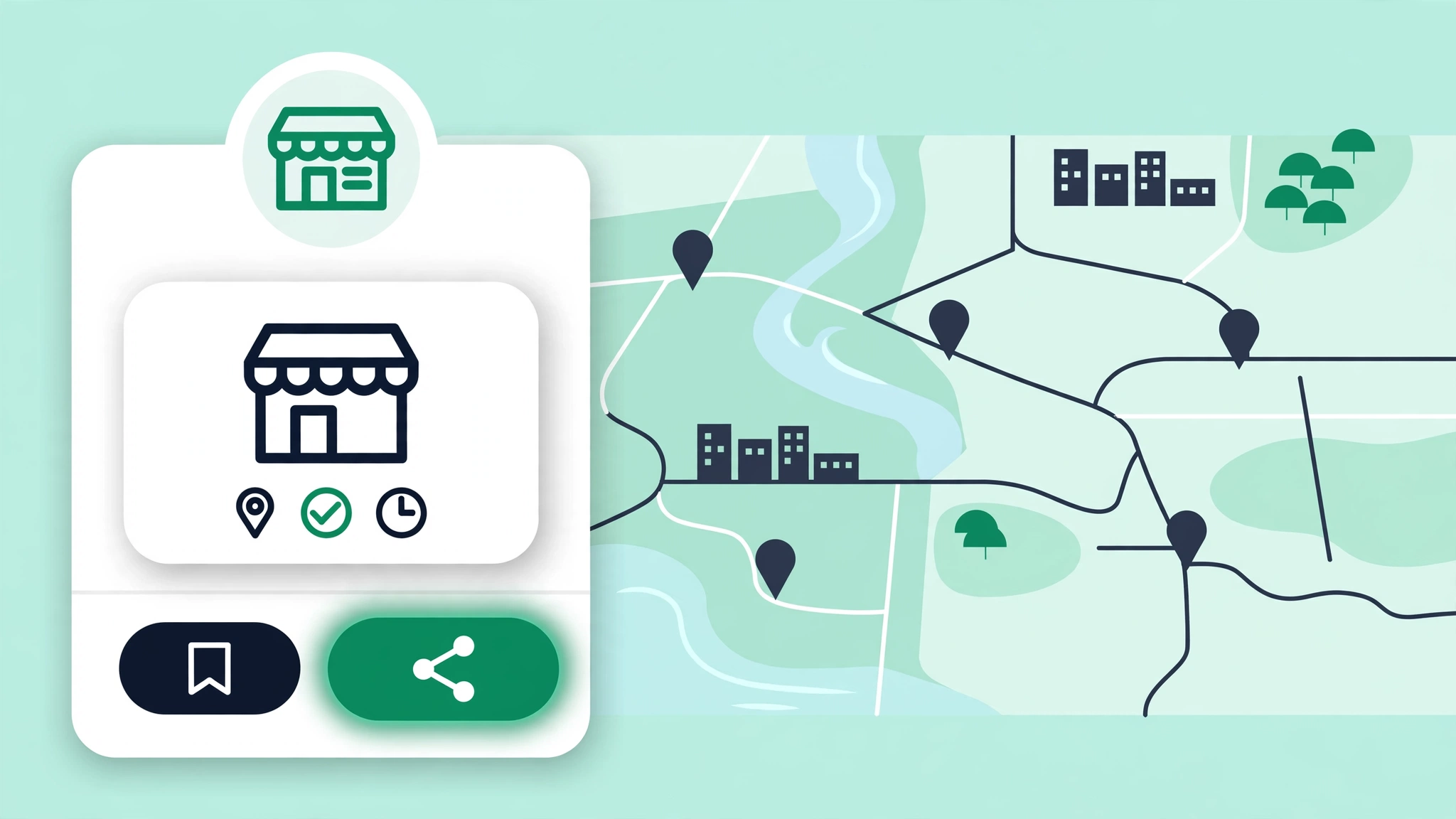
Click your business name in the search results to open the full business profile panel on the left side of the map. This panel shows your name, category, address, hours, phone number, photos, and your current reviews. Take a moment to verify everything matches your real business. This confirmation step matters because the next step copies a technical identifier, and copying it from the wrong listing creates a broken review link.
While you are here, glance at your review section. Note your current review count and star average, and write them down somewhere. These are your "before" numbers. In a few weeks, after you start sharing your review link, you will compare these against the "after" numbers to see whether your system is working. Most business owners skip this baseline step and then have no idea whether their effort paid off. Do not be most business owners.
Also check that the profile is claimed and verified - you should see management options if you are signed in as the owner. If the profile says something like "Own this business?" and it is yours, claim it before going further. An unclaimed profile can still receive reviews, but you will not be able to respond to them, update your information, or access performance data, and responding to reviews is half the value of this whole exercise.
Step 3: Copy Your Place ID with Google's Free Place ID Finder
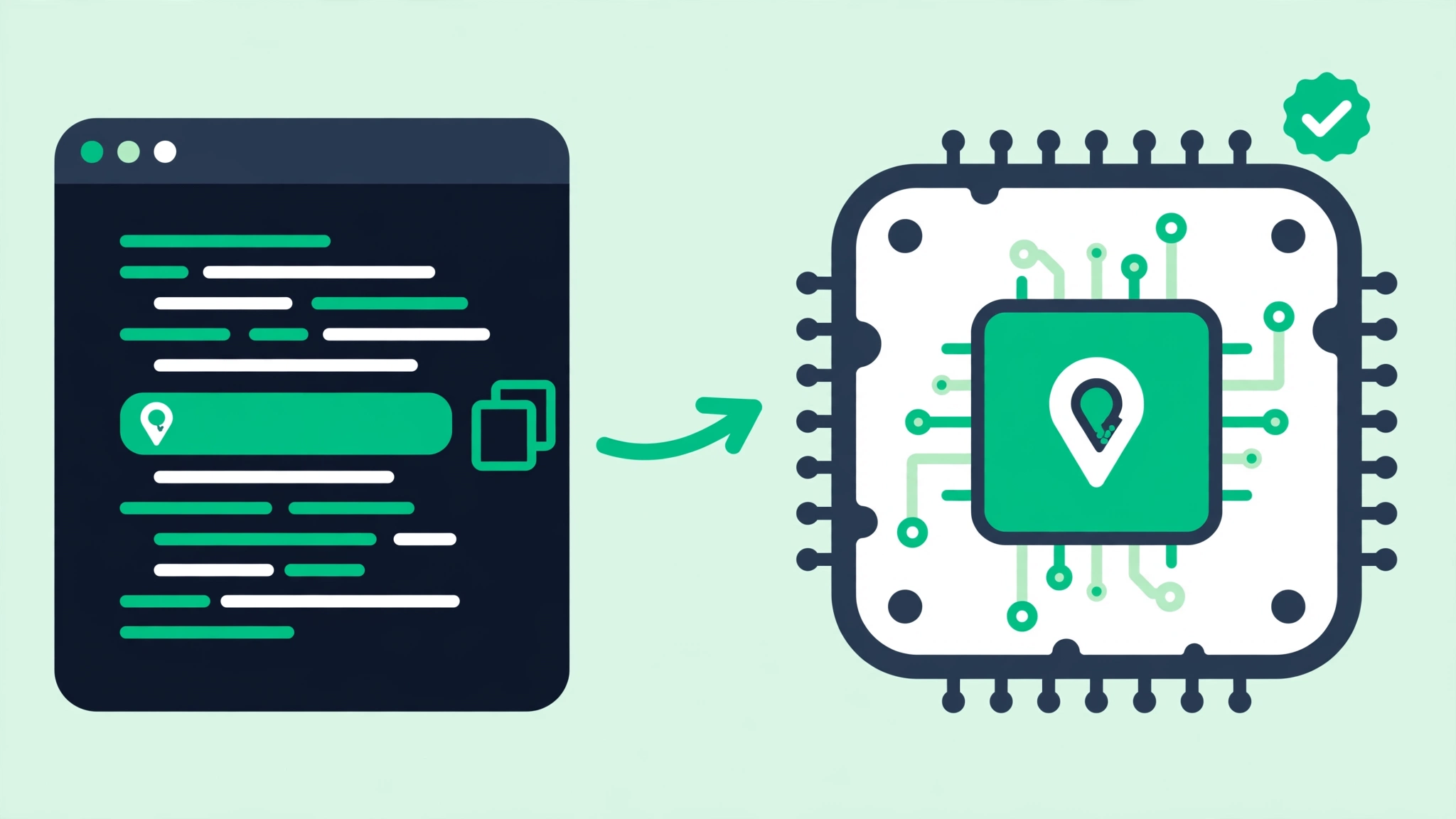
Google offers a free, official tool for this exact job: the Place ID Finder, part of the Google Maps Platform documentation. Open it and type your business name and city into its search box. When your business appears in the results, the tool displays its Place ID right there on screen. Click or copy the Place ID and paste it into a safe place - a notes app, a spreadsheet, anywhere you will not lose it.
Copy the entire Place ID exactly, character for character. Place IDs are long and case-sensitive, so a missing character or a lowercase letter where an uppercase one belongs will break the link. The safest approach is to copy and paste rather than typing it out. If you ever need to share it with a team member or a web developer, send it as text - never retype it from memory.
A quick word on third-party "find my Place ID" tools: several exist, but the official Google tool is the most reliable source and it costs nothing. Some third-party tools inject ads, require accounts, or return stale data. Stick with Google's own finder for this one step. It takes about thirty seconds, and once you have the Place ID, you never need to look it up again unless something about your listing changes dramatically, like a business relocation that creates a new listing.
Step 4: Generate Your Review Link in Seconds
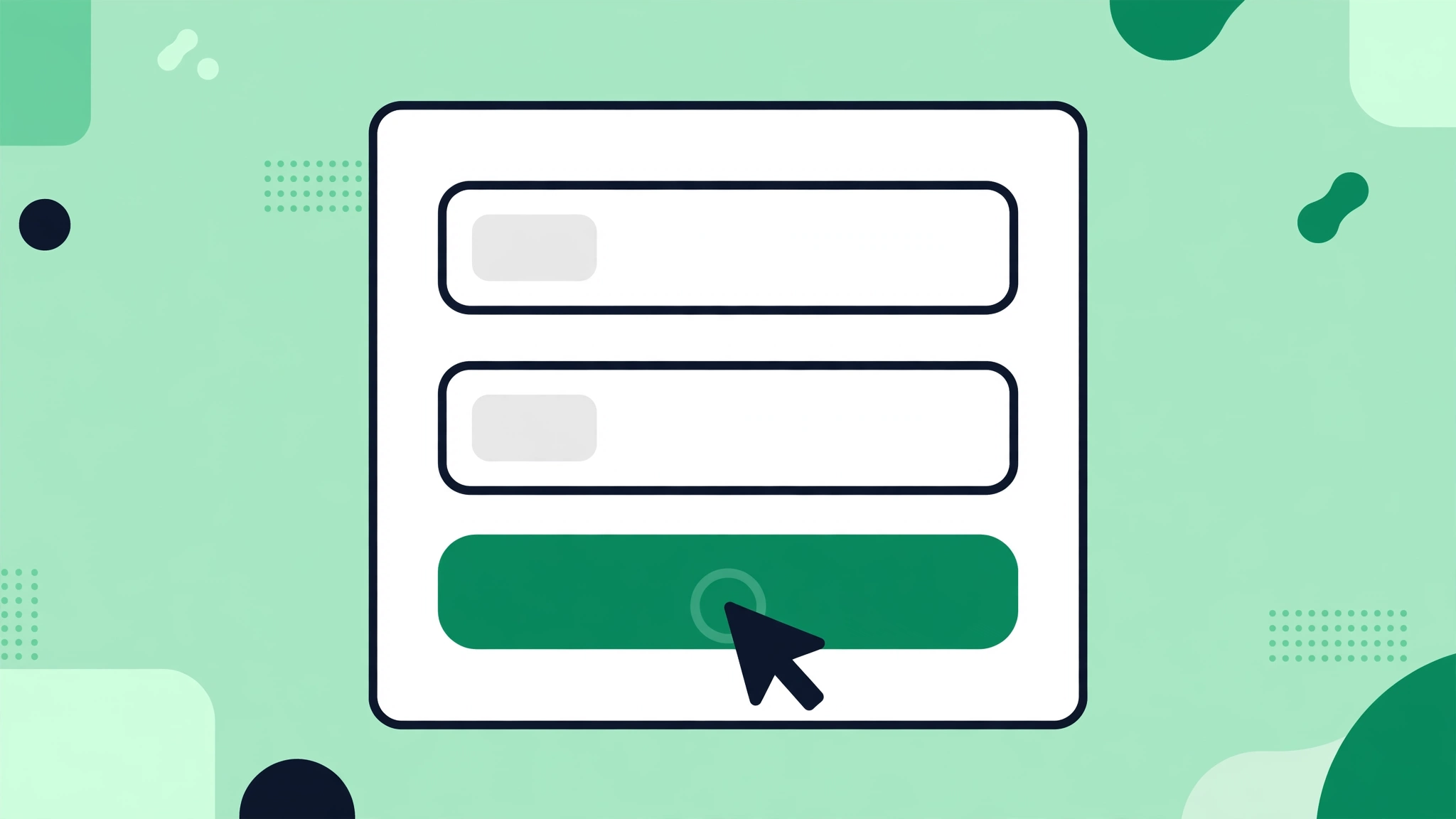
Now comes the easy part. A Google Review Link Generator takes your Place ID and builds the complete review URL automatically, so you never have to assemble the format by hand. The process is about as simple as a web tool gets:
- 1Open the Google Review Link Generator in your browser.
- 2Paste the Place ID you copied in Step 3 into the input field.
- 3Click generate. The tool outputs your full review link, ready to copy.
- 4Copy the generated link and save it in the same place you saved your Place ID.
The generated link follows Google's standard review URL format with your Place ID attached. You could technically build this URL yourself by appending your Place ID to the base format, but the generator exists precisely so you do not have to remember the format or worry about typos in the URL structure. One wrong character in the base URL and the link fails silently. The tool removes that risk.
This is the point where people sometimes ask whether they can just use their Google Maps listing URL as a review link. You could share it, but it is a poor substitute. A maps URL drops the customer onto your listing, and they still have to find the "Write a review" button, which many people will not bother doing on a phone. The dedicated review link skips straight to the review form. When the goal is "get google reviews link that actually converts," the direct form link wins every time.
Step 5: Test Your Review Link Before You Share It

Before you print a single QR code or send a single text, test the link. Open it on your phone - ideally in a private or incognito window, or on a device where you are not signed in as the business owner. What you should see is your business name at the top and Google's review form (star rating plus text box) ready to go, with no searching required. If you see that, the link works.
If the link does not work, the problem is almost always the Place ID. Double-check that you copied the full string from the Place ID Finder and that no extra spaces crept in at the beginning or end (this happens more often than you would think when copying from web pages). Regenerate the link with the corrected ID and test again. Do not distribute a link you have not personally tested - finding out it is broken from a customer's confused reply is embarrassing and wastes the best moment to capture their review.
One more thing to check while testing: make sure the link opens your correct business, not a similarly named one. If two businesses share a name in the same city, a copied Place ID from the wrong listing is the usual culprit. Confirm the business name and address shown on the review form match yours exactly. Once it checks out, save the tested link as your master copy. Everything from here on - QR codes, short links, email templates - is built on this one URL.
Turn Your Link Into a QR Code for Your Storefront

A link is great for digital messages, but in a physical business most review opportunities happen offline - at the counter, on the way out the door, at the table. That is where a QR code earns its place. A google review qr code generator takes your review link and produces a scannable code you can print on anything. When a customer scans it with their phone camera, it opens your review form directly.
Your storefront is the highest-traffic spot you own, so start there. Print the QR code on a clean sign near the exit or the register, large enough to scan from a few feet away - a code that is too small to scan is just decoration. Use black on white (or very dark on very light) for maximum scannability, and leave a quiet margin of empty space around the code so phone cameras can lock onto it quickly. Always include a short line of text above it, something like "Love your visit? Scan to leave us a Google review!" People scan far more often when they know where the code leads.
Printing tips that save headaches: use vector or high-resolution output so the code stays crisp at large sizes - a blurry QR code will not scan. Test the printed sign with several different phones before you put up the final version, because screen previews and print can behave differently. And laminate or frame signs that live near doors or counters, since smudges and wear degrade scannability over time.
Placement matters as much as the code itself. The best spots are places where customers naturally pause: the checkout counter, the exit door, the waiting area, the table or tray where food is served. A code taped behind the register where nobody stands still is nearly invisible. Walk your own space as a customer and note where your eyes rest for a few seconds - that is where the code goes.
Put the QR Code on Receipts Customers Actually Keep

Receipts are one of the most underused review channels in local business. Nearly every customer touches one, and it leaves the store with them. Adding your review QR code to the bottom of every receipt turns a piece of paper most businesses waste into a review-collection machine that works after hours, on weekends, and for delivery orders you never see in person.
Most modern point-of-sale systems let you add a custom footer message and an image to printed receipts. Add the QR code image in the footer with a short line of text like "How was your experience? Scan to review us on Google." Keep the code reasonably small here - receipts are narrow - but still test that it scans reliably from the printed thermal paper, which can be lower contrast than a laser print. If your POS supports it, add the short review link as text too, for customers who prefer typing to scanning.
For businesses without a fancy POS, the same idea works on invoices, packing slips, and order confirmations. Any document that reaches the customer after the transaction is a candidate. The key advantage of receipts over signs is timing: a customer who scans a receipt QR code at home is reviewing with a clear head and a full memory of the experience, often writing longer, more detailed reviews than someone rushed at the counter. Detailed reviews with specific mentions of your services are exactly the kind that help future customers choose you.
Flyers, Business Cards, and Table Tents: Print Channels That Work
Beyond the storefront and receipts, printed materials give you targeted ways to ask. Table tents are perfect for restaurants and cafes: they sit at eye level for the entire meal, and a simple "Enjoying your meal? We would love your review" with a QR code catches diners in a relaxed moment. Rotate the tent design every few months so regulars notice it again instead of tuning it out.
Business cards with your review QR code on the back are ideal for service businesses - plumbers, electricians, landscapers, salons. The technician hands the card to the customer at the end of the job, points at the code, and says "If you were happy with the work, this takes you straight to our Google reviews." That thirty-second human ask, combined with a card the customer keeps, is one of the highest-converting review tactics there is.
Flyers and bag inserts work for retail and takeout. Slip a small card into every shopping bag or takeout order: "Thanks for shopping with us! Scan to tell Google about your visit." Because these reach customers at home, pair the QR code with the plain-text short link as a backup. And keep the design clean - one code, one short sentence, your business name. A cluttered flyer with five calls to action gets none of them.
One caution about print: QR codes are permanent once printed. If you ever change your review link (for example, switching from a third-party short link to a direct link), every printed code pointing at the old URL dies with it. This is a strong argument for pointing your printed QR codes at a URL you control - like a redirect on your own domain - so you can update the destination without reprinting. More on that in the next section.
Shorten the Link Without Breaking It

Your raw Google review link is long and ugly - fine for a QR code, but awkward in a text message, an email, or a conversation. Shortening it makes it usable in places a QR code cannot go. You have two solid options, and one to avoid.
Option one is a URL you control on your own domain, like yoursite.com/review. Most website platforms let you create a simple redirect from a short path to your full review link. This is the best choice for printed materials because it never depends on a third party: if your review link ever changes, you update the redirect once and every printed QR code and flyer keeps working. It also looks professional - customers trust your own domain more than a random short-link service.
Option two is a reputable link shortener for digital-only uses, like links you text to customers or post in emails. These are quick and fine for one-to-one messages. The option to avoid is obscure or free-tier shorteners with heavy ad interstitials - a customer who taps your link and lands on a page full of ads before reaching the review form will simply give up. Whatever you use, test the shortened link exactly as you tested the original, and re-test it every few months. Short-link services occasionally change policies or shut down, and a dead link silently costs you reviews.
One more practical tip: when someone asks "how to get my google review link" for verbal use, having a memorable short link is the answer. "Just go to joesplumbing.com/review" is something you can say on a phone call. A sixty-character Google URL is not. Build the short link once, and you will use it everywhere.
When to Ask for Reviews: Timing Beats Volume

Most businesses that struggle with reviews do not have a bad service problem - they have a timing problem. They never ask, or they ask weeks later when the memory has faded. The single biggest lever in this entire guide is asking at the right moment: right after a positive experience, while the customer is still feeling good about it.
The right moment looks different by business type, but the pattern is the same. A restaurant asks as the table is cleared and the diners are smiling. A salon asks when the client sees the finished result in the mirror. A contractor asks at the final walkthrough, with the completed work in front of both of you. An online store follows up a day or two after delivery confirmation. In each case, you are catching the emotional peak of the experience - the point where "that was great" is freshest.
- Ask in person whenever possible. A genuine, specific request from a real human beats any automated message.
- Follow up digitally within 24 to 48 hours for customers you did not ask in person - the memory is still warm.
- Do not ask when something went wrong. If a customer had a bad experience, fix it first; a review request at that moment backfires.
- Ask every happy customer, not just the regulars. New customers who just had a great first visit are often the most enthusiastic reviewers.
- Make it a system, not a mood. Reviews should not depend on whether someone remembered to ask today.
What about asking too often? A single polite request per transaction is appropriate. What crosses the line is repeated pestering - three reminder texts about the same visit, or staff who pressure reluctant customers. One clear, friendly ask respects the customer's time and still captures the vast majority of willing reviewers. Google's rules also prohibit offering incentives for reviews, so never tie discounts, freebies, or contest entries to leaving a review. Ask for honest feedback, accept whatever comes, and let the next section's templates do the talking.
Review Request Templates: SMS, Email, and In-Person Scripts

The best review requests share three traits: they are short, they feel personal, and they make the next step effortless. Below are templates you can copy and adapt. Replace the bracketed parts with your details, and insert your shortened review link where indicated. These work for any local business - adjust the wording to match how you actually talk.
SMS template (send a few hours after the visit or service): "Hi [Name], this is [Your Name] from [Business]. Thanks for coming in today! If you have 30 seconds, we would really appreciate a Google review - it helps our small business a lot: [short link]. Thanks so much!" Keep texts under a couple of sentences. Long texts get skimmed; short ones get acted on. Only text customers who have given you their number in the normal course of business, and honor opt-outs immediately.
Email template (good for service businesses and online orders): Subject: "Quick favor? Tell Google about your experience with [Business]." Body: "Hi [Name], thank you for choosing [Business] for [specific service or product]. We are a local business, and honest Google reviews are how new customers find us. If you were happy with [specific thing], would you mind sharing a quick review? It takes less than a minute: [short link]. Thank you for supporting us. - [Your Name]." The specific mention matters - it jogs the memory and often leads to a more detailed review.
In-person script (the highest-converting option): "I am really glad we could [solve their problem / make their day]. If you have a moment later, would you mind leaving us a Google review? This code takes you right there." Then point at the QR code or hand them the card. The script works because it is specific, brief, and tied to a positive moment you both just shared. Train every customer-facing team member on a version of this - the owner asking alone will never scale.
A note on review gating, because it comes up constantly: never filter customers by asking only the happy ones to review while steering unhappy ones elsewhere. Google explicitly prohibits selectively soliciting positive reviews, and it can get reviews removed or your profile penalized. Ask everyone. The get more Google reviews guide goes deeper into building a compliant review strategy if you want the full picture.
How to Respond to Positive Reviews (Without Sounding Robotic)

Responding to reviews is not optional - it is half the strategy. When you reply, you are not really writing to the reviewer (though they appreciate it). You are writing to the dozens of future customers who will read that exchange while deciding whether to choose you. A business that responds to every review looks attentive and alive. A business with fifty reviews and zero responses looks like it stopped caring.
The formula for a good reply is simple: thank them by name, mention something specific from their review, and invite them back. "Thanks, Maria! Glad the anniversary dinner was a hit - the chocolate dessert is a team favorite too. Hope to see you again soon!" That takes twenty seconds and feels human. What does not work is pasting the same "Thank you for your review!" under fifty reviews. Customers notice copy-paste replies, and they read as indifference.
Respond to positive reviews within a few days - sooner is better, but a thoughtful reply on day three beats a rushed one on day one. You do not need to write paragraphs; two or three genuine sentences are plenty. If the reviewer mentioned a specific employee, pass the praise along to that person. It costs you nothing and it reinforces exactly the behavior that earned the review in the first place.
One subtle SEO benefit worth knowing: your responses are public text on your listing, and naturally mentioning your services or neighborhood ("glad our downtown Austin location was convenient") keeps your profile content fresh and relevant. Do not stuff keywords into replies - that reads terribly - but writing naturally about what you do is both good customer service and good local relevance. Just keep it conversational.
Handling Negative Reviews: The Playbook That Turns Critics Around

Every business gets a bad review eventually. It stings, but here is the honest truth: a perfect 5.0 rating with a handful of reviews looks less trustworthy than a 4.7 with a hundred reviews and thoughtful responses. Customers expect some negative feedback; what they judge you on is how you handle it. A calm, professional reply to a one-star review can win you more business than ten five-star reviews with no replies.
The playbook: respond quickly (within 24 hours if you can), stay calm no matter how unfair the review feels, acknowledge the specific complaint without admitting fault you do not own, apologize for the experience, and move the conversation offline. A template: "Hi [Name], I am sorry your visit did not meet expectations. That is not the experience we want anyone to have. I would like to make this right - please reach me directly at [phone/email] so I can look into what happened. - [Your Name], Owner." Short, human, accountable.
What not to do matters more. Never argue with the reviewer in public, never accuse them of lying, never post their personal information, and never offer a bribe to remove the review. Public arguments are permanent and they always make the business look worse, even when the business is right. If a review is fake, spam, or violates Google's policies (hate speech, conflicts of interest, off-topic rants), flag it through your Business Profile for removal - but know that Google removes only clear policy violations, not reviews you simply disagree with.
The follow-through is where reputations are actually repaired. If the customer contacts you offline and you resolve the issue well, many will update or soften their review on their own - you can politely mention that updating the review is possible, but never pressure them. And treat every legitimate complaint as free consulting: if three reviews mention slow service on weekends, you do not have a review problem, you have a staffing problem. Fix the root cause and the reviews take care of themselves.
Multi-Location Businesses: One Link Per Location, Zero Chaos
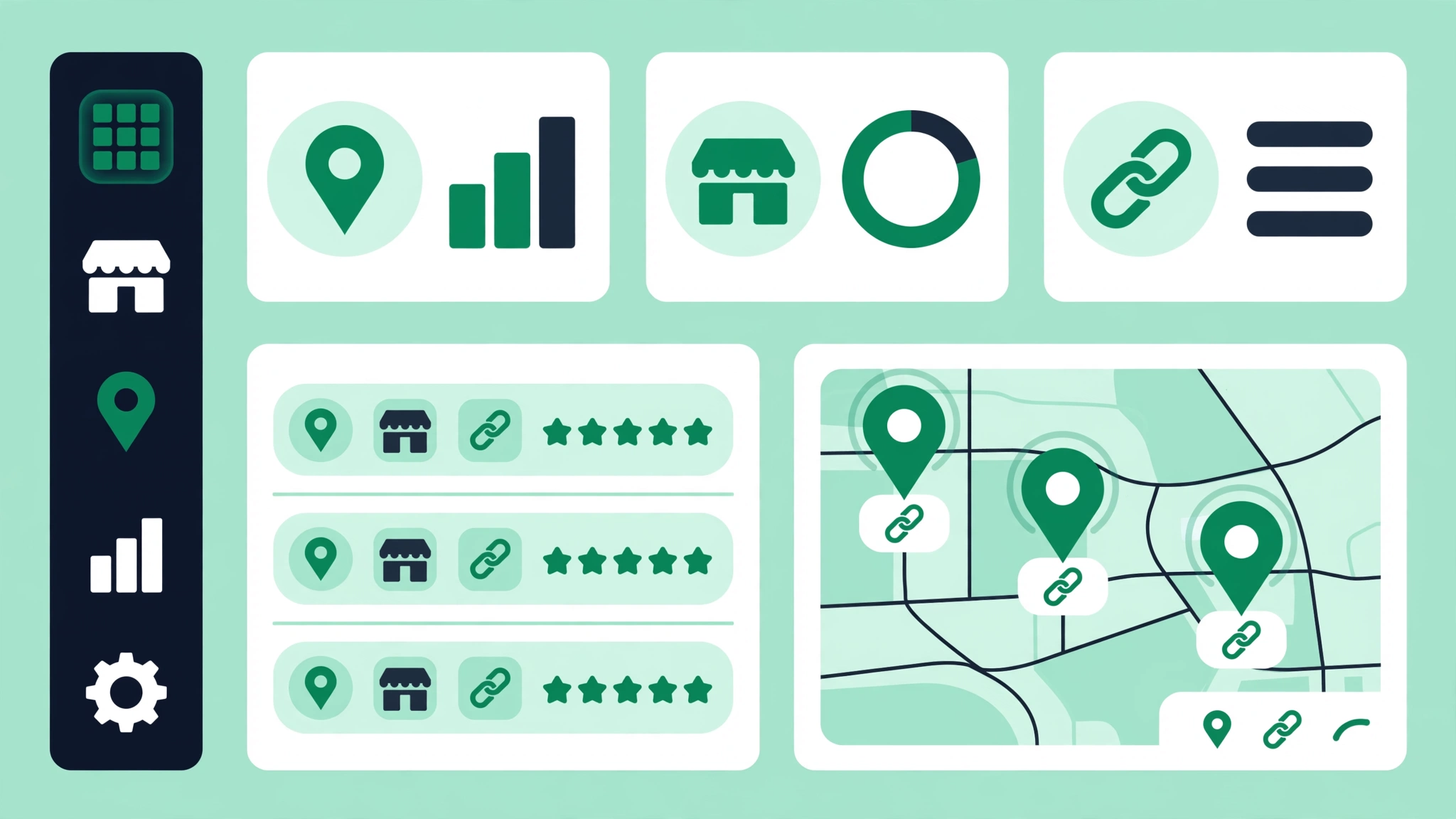
If you run more than one location, review management gets complicated fast - unless you set it up as a system from the start. The rule is absolute: each location has its own Place ID, so each location needs its own review link and its own QR code. A customer who visited your Dallas store should never be sent to your Fort Worth listing. Mixed-up reviews dilute both locations' profiles and confuse Google's local ranking signals.
Build a simple master spreadsheet with one row per location and these columns: location name, address, Place ID, full review link, shortened link, and the file name of its QR code image. Generating everything follows the same steps from earlier in this guide - run each Place ID through the Google Review Link Generator one at a time and log the results. An hour of setup here prevents months of confusion later.
For print materials, label everything. QR code files should be named by location ("dallas-store-qr.png"), and printed signs should include the location name near the code so staff at each store grab the right one. The most common multi-location mistake is printing one generic QR code and using it everywhere - which funnels every location's reviews into a single listing while the others sit empty. If you have already made that mistake, it is worth reprinting: the cost of new signs is trivial compared to months of misdirected reviews.
Assign clear ownership. Each location manager should know where their location's link and QR files live, who responds to that location's reviews, and what the monthly review target is. Centralize the assets (one shared folder, one spreadsheet) but decentralize the asking - the staff at each location are the ones in front of customers every day. Review your numbers location by location each month; the data will quickly show you which stores have a working system and which ones need coaching.
Tracking Review Growth (and the Mistakes That Slow It Down)

A review system you do not measure is a hobby, not a strategy. Once a month, spend fifteen minutes recording four numbers for each location: total review count, average star rating, number of new reviews that month, and your response rate (what percentage of reviews got a reply). Your Google Business Profile shows the first three; the fourth you track yourself. Plot them over time and you will see exactly what is working. A healthy profile shows steady new reviews every month, a stable or slowly rising rating, and a response rate near one hundred percent.
Watch your local rankings alongside your review metrics. As your review count and rating improve, check whether your map-pack positions move using the Google Maps Rank Checker or the Local Rank Checker for broader local terms. Reviews are one signal among several - relevance, distance, website strength, and other factors all matter - so do not expect a straight line from "more reviews" to "rank one." What you are looking for is the trend across a few months, which tells you far more than any single week's data.
Now the mistakes that quietly kill review growth. Avoid all of these:
- Buying reviews or using review farms. Google detects and removes fake reviews, and the penalties can extend to your listing.
- Offering discounts, freebies, or contest entries in exchange for reviews. Incentivized reviews violate Google's policies.
- Review gating - asking only happy customers to review while diverting unhappy ones. Selectively soliciting positives is prohibited.
- Printing QR codes that point to a link you never tested, or to a short link that later expired.
- Asking once and stopping. Review collection is ongoing; a burst of asking followed by silence produces a burst of reviews followed by silence.
- Ignoring your reviews after collecting them. Unanswered reviews - especially negative ones - undo the trust that reviews build.
- Using one review link for multiple locations, which starves all but one listing.
The businesses that win at reviews are rarely the ones with the cleverest tactics. They are the ones that built a simple, honest system - a working get google reviews link, visible QR codes, a well-timed ask, and replies to every review - and then ran it every single day. Start with your Place ID today, generate your link, print your first QR code this week, and ask your next happy customer in person. Six months of that compounds into a review profile your competitors will envy, and unlike ads, nobody can outbid you for it.