
What a position checker actually does
A Google position checker tells you the exact organic position of any website for a single keyword — position 1, position 12, or nowhere in the top 100. It runs a clean, non-personalized query against Google with a fixed country and device, scans the results in order, and reports the position number, the ranking URL, and the competitors around you.

That neutral measurement is the whole point. When you Google your own keyword, the results are warped by your location, your search history, your signed-in profile, and the pages you clicked last week. A position checker strips all of that away, so the number you get on Monday means the same thing as the number you get on Friday. It is a standardized snapshot, not a personal one.
Most checkers scan the top 100 organic results, not just the first page. That matters because a climb from position 48 to position 31 is real progress worth knowing about, even though neither spot gets much traffic. The SEO Rank Checker reports your live position in seconds, with the ranking URL and the pages directly above and below you.
How does a position checker work under the hood?
Under the hood, a keyword position checker runs a three-stage pipeline: it sends a clean query to Google with fixed location, language, and device parameters, parses the returned page to extract the organic results in order, and matches your domain against that list to compute a position number. It takes seconds, on the tool's servers — never in your browser.

- Build the query — your keyword plus country, language, precise location, and device settings, with personalization switched off.
- Fetch the SERP — the tool's server requests Google's results page as a neutral, signed-out visitor.
- Parse and filter — the returned page is parsed, ads and SERP features are separated out, and organic results are extracted in ranking order.
- Match the domain — URLs are normalized (www, https, trailing slashes) and compared against your domain to find its spot.
- Report — the position number, the ranking URL, and the surrounding results are returned to you.
Because this runs server-side, you never risk your own IP being throttled by Google for repeated queries — which is exactly what happens if you hammer google.com manually a few dozen times in a row. The infrastructure burden sits with the tool, not with you.
What are the different types of position checkers?
Position checkers come in four flavors: manual browser checks (free but distorted by personalization), desktop software (runs on your own PC, limited in scale), cloud-based tools (server-side, with scheduled checks and history), and API-based services (raw SERP data feeds built into other products). Each one trades cost against scale and convenience.

- Manual browser checks — free and instant, but distorted by your history, location, and login state. Fine for a one-off glance; useless for honest tracking.
- Desktop rank trackers — the classic 2000s approach. The software runs on your machine and queries Google directly, which limits speed and risks IP throttling.
- Cloud-based checkers — the modern standard. Neutral servers run the queries, results are comparable over time, and many tools add history charts and alerts. The SEO Rank Checker and Bulk Rank Checker work this way.
- SERP APIs — raw data feeds that other software consumes programmatically. Built for scale, automation, and embedding rank data into dashboards.
For most site owners, a cloud-based checker is the sweet spot: no software to install, no IP risk, and the numbers stay comparable week after week. Desktop tools still appeal to old-school SEOs who want full control, and APIs are what agencies and platforms build on when they need thousands of checks a day.
What does “position” really mean — and what doesn’t count?
In SEO, your “position” is your rank among the unpaid organic results only — position 1 is the first organic listing, not the first thing visible on the page. Paid ads, AI Overviews, featured snippets, and the local pack are excluded from the count, even when they appear above you.

This distinction surprises a lot of people. You can hold organic position 1 and still be the sixth block a searcher actually sees, below ads, an AI Overview, and a featured snippet. That is why SEOs talk about “organic position” versus “visual position.” The organic number is stable and comparable; the visual layout shifts with the query, the device, and whatever features Google decides to show that day.
Every serious checker standardizes on the organic count, because it is the only number that means the same thing across keywords, days, and tools. To see the full visual layout around your listing — features, ads, and all — run the same keyword through the SERP Checker.
Which SERP features push organic results down?
AI Overviews, featured snippets, People Also Ask boxes, the local map pack, image and video carousels, Top Stories, and knowledge panels can all appear above or between organic results. On many queries the first organic listing now starts halfway down the page — so your “position 3” may be far less visible than the number suggests.

- AI Overviews — large generated answers now appearing at the top of many informational queries.
- Featured snippets — the answer box at the fabled “position 0,” sitting above the first organic result.
- Local pack — a map plus three business listings for anything with local intent.
- People Also Ask — expandable question boxes that shove everything beneath them further down.
- Image and video carousels, Top Stories — rich rows that can swallow a full mobile screen.
The practical takeaway: track features alongside positions. A drop in clicks with no change in organic position usually means a new feature moved in above you, not that your ranking slipped. The SERP Checker shows you exactly which features surround your listing for any keyword.
Why do positions differ between Google data centers?
Google serves results from data centers all over the world, and they do not all refresh at the same instant. Index updates roll out gradually, so one data center can briefly show newer rankings than another — which is why two checkers, or even two queries minutes apart, can disagree by a position or two.
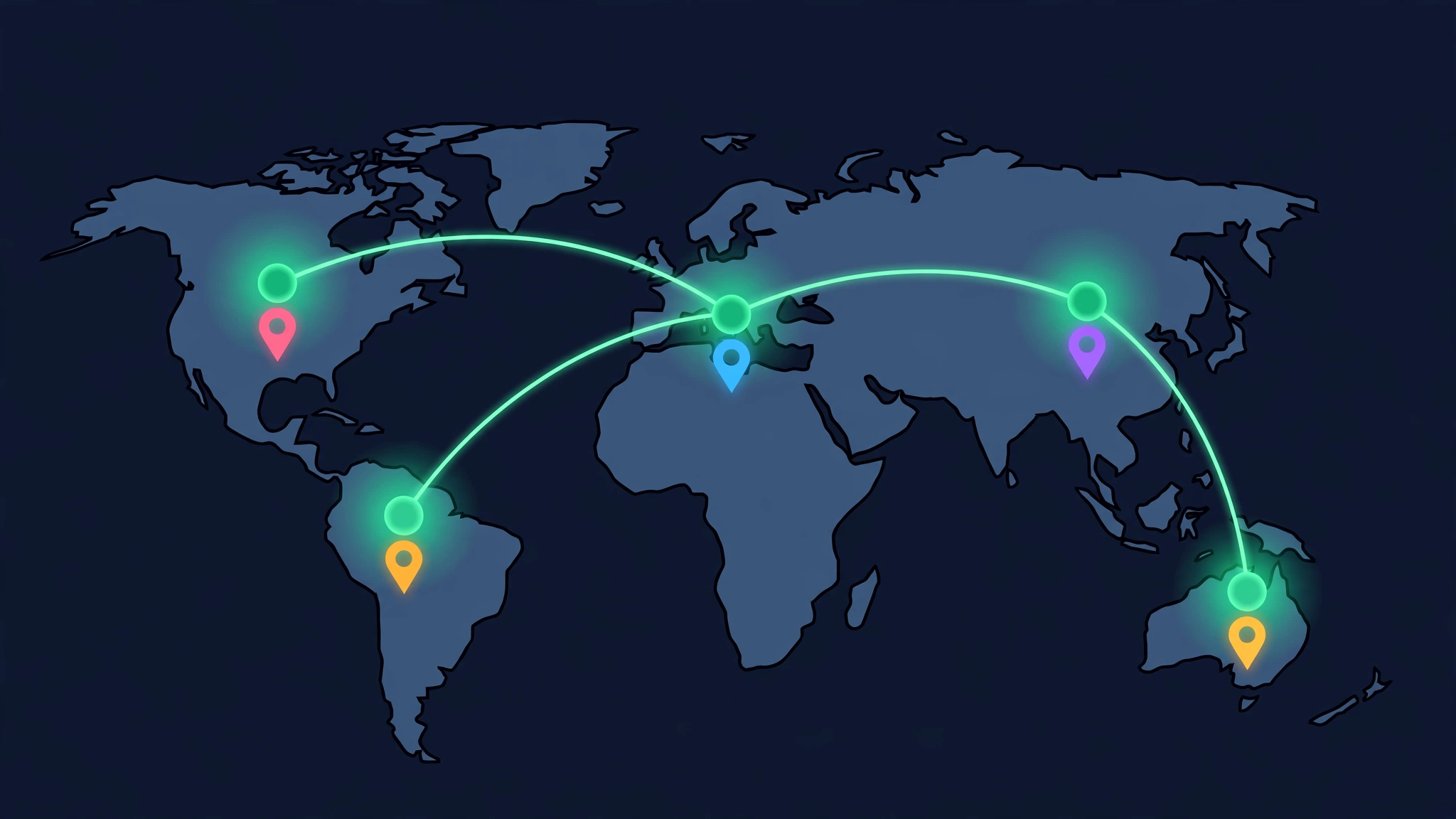
Think of it like a software rollout: the new index version reaches some servers before others. Your query also gets routed to whichever data center responds fastest, so consecutive checks can hit different servers. On top of that, Google constantly runs ranking experiments on small slices of traffic, adding another layer of normal fluctuation.
The rule of thumb: ignore one- or two-spot wiggles between checks. A real move is a shift that holds across several days and shows up consistently. Chasing hourly noise is how site owners end up “fixing” things that were never broken.
What’s the difference between cached and live results?
Cached results come from a stored snapshot of Google’s index — fast to serve, but possibly hours old. Live results are fetched in real time the moment you run the check. Most free checkers show you live data; history-based trackers sometimes blend in cached data. If you just changed something and want to see the effect, always insist on live.
Cached data is perfectly fine for trend tracking — a weekly graph doesn’t need to-the-minute freshness. But for diagnosis it can mislead: checking a page you fixed this morning against yesterday’s snapshot will tell you nothing moved, when the live index may already reflect the fix. Good tools tell you when the data was fetched; if a tool won’t say, assume the freshest number you have is the one you just pulled yourself.
One note to avoid confusion: this has nothing to do with Google’s old “cached page” link that used to sit under each result (long retired). Here “cached” just means the checker served you a stored copy of a previous lookup instead of running a new one.
How accurate is a position checker — and what affects it?
A good serp position checker is accurate as a neutral snapshot — usually within a position or two of what a depersonalized searcher in the same location would see. It cannot reproduce every personalized result for every real user, because Google varies results by search history, location, and behavior. Treat the number as a standardized approximation, not a universal truth.

- Location precision — country-level checks hide city-level differences; local queries can swing wildly a few miles apart.
- Device type — mobile and desktop rankings genuinely differ, especially after mobile-first indexing.
- Time of day — rankings shift through the day; compare snapshots taken at similar times.
- Data center variance — neighboring servers can briefly disagree during index rollouts.
- Personalization — your history and clicks; checkers deliberately exclude this, which is a feature, not a bug.
- SERP features — a new feature can visually demote you without your organic position changing at all.
You maximize accuracy by holding the variables constant: same keyword, same country, same device, same tool, same cadence. And when local precision matters — “plumber near me” style queries — drop from country level to city level with the Local Rank Checker, because that is where the real variation lives.
Position checker vs rank checker
They are the same thing. “Position checker” stresses the exact position number; “rank checker” is the industry’s default term, and you’ll also see “keyword position checker” and “google rank position” used identically. All of them answer one question: where does this domain sit in Google’s organic results for this keyword?
People use “Google position checker,” “rank checker,” and “keyword position checker” to mean the same thing: where your page sits in the organic results for a keyword. Position 1 is the top organic result; lower position numbers mean higher visibility. The SEO Rank Checker reports your exact organic position so you can compare it across keywords, countries, and devices on a level playing field.
You will also run into “keyword position checker,” “google rank position,” and “serp position checker” — all the same instrument under different names. “Keyword position checker” shows up most in tool marketing, “google rank position” is how everyday site owners phrase the question, and “serp position checker” leans technical, hinting the tool reads the whole search results page. Do not let the vocabulary shuffle confuse you: if it reports a numbered organic spot for a keyword, it is the same thing.
The terminology map: position, rank, ranking, and visibility
Position and rank are synonyms — both name the numbered spot a page holds (position 4 = rank 4). “Ranking” describes the state of holding positions, and “visibility” is the aggregate picture: your share of impressions across every keyword you track. One keyword has a position; your whole site has visibility.

- Position — the number. Where one URL sits for one keyword, right now.
- Rank — the same number. The industry’s default word for it.
- Ranking (verb) — the ongoing process of earning and holding positions.
- Rankings (plural) — your full set of positions across all tracked keywords.
- Visibility — a weighted aggregate across keywords. Higher positions on more keywords equals more visibility.
Why bother with the distinction? Because a single position never tells the whole story. You can lose three spots on one keyword and still grow overall visibility if five others climbed. Track positions per keyword, but judge performance on visibility across the set — that is the number that actually correlates with traffic.
Position checker vs Search Console vs Google Analytics: which should you trust?
Trust all three — for different jobs. A position checker gives you a live, per-query snapshot for any domain, including competitors. Search Console gives you delayed, averaged data for sites you own. Google Analytics shows what visitors did after the click, not where you ranked. One answers “where am I right now”; the others answer “what happened over time.”

- Position checker — live data, any domain including competitors, one query at a time, no history unless you track it.
- Google Search Console — free, but delayed by a couple of days; reports average position across all impressions (every location, device, and time period); your verified sites only. Excellent for trends.
- Google Analytics — no ranking data at all. Shows sessions, engagement, and conversions after the click lands.
The workflow that works: spot-check with a position checker, validate the trend in Search Console, and measure the business impact in Analytics. For a deeper dive on where the two ranking sources agree and disagree, see SEO Rank Checker vs Google Search Console.
Why position matters more than traffic
A position number is a leading indicator. Traffic is a lagging one — it changes after your position does. If you watch your positions, you can catch a rising keyword before the traffic arrives or a falling one before the traffic drops. That head start is the whole point of tracking positions rather than waiting for analytics to move.
Say you climb from position 9 to position 4 for a keyword with 10,000 monthly searches. Traffic won’t jump the same day — but the position move tells you the jump is coming, so you can prepare the landing page, the internal links, the call to action. Conversely, a slide from 3 to 8 warns you weeks before the traffic report turns red. Watch the leading indicator, and use the Rank Drop Checker to catch slides while there is still time to respond.
The math makes the case even stronger. Click-through rates collapse as you move down the page — the top organic result typically captures a dramatically larger share of clicks than position 5, which in turn dwarfs position 10. A move from 6 to 3 is not a small win; it is a traffic multiplier waiting to happen. Position tracking lets you see those multipliers forming before a single extra visitor arrives.
A short history of rank checking
Rank checking began in the early 2000s with desktop software that scraped Google directly from the user’s own IP, shifted to cloud platforms in the 2010s as Google throttled automated queries, and today mostly runs through SERP APIs that return clean, location-targeted results. The question never changed — only the plumbing did.

In the early days, tools like WebPosition Gold ran on your PC and hammered Google from your home IP. It worked until Google started rate-limiting and blocking aggressive query patterns — the original cat-and-mouse game of SEO tooling. Desktop rank trackers survived for years on proxies and throttling tricks, but they were slow and fragile.
The 2010s brought the cloud era: vendors ran the queries on their own server fleets, added scheduled daily checks, and turned snapshots into history graphs. Rank tracking became a subscription product instead of a desktop program. Today’s final form is the SERP API — programmatic, location-precise, built for bulk — which is what powers most modern checkers behind the scenes, including free ones.
What are the limitations every position checker shares?
Every position checker shares the same ceiling: it reports one standardized view — one keyword, one location, one device, one moment in time. It cannot show you each searcher’s personalized results, predict tomorrow’s rankings, or see inside Google’s algorithm. That limitation is also its strength: standardization is what makes week-to-week comparisons honest.
- No personalization — by design. Real users see variations based on history; the checker gives you the neutral baseline.
- One location at a time — a national average hides real local differences.
- Moment-in-time — rankings fluctuate constantly; a single snapshot can mislead.
- Top-100 ceiling — beyond the first hundred results, you are effectively not ranking.
- It reports the number, not the cause — a checker tells you that you dropped, not why. Diagnosis is a separate job.
None of this makes checkers unreliable — it makes them measuring instruments with known tolerances, like a thermometer. You wouldn’t declare a fever from one reading; you take readings the same way, at the same time, and watch the trend. For the step-by-step side of actually running checks, see How to Check Your Google Ranking.
How do you evaluate the quality of a position checker?
Judge a checker on location granularity, device options, live data, result depth, and honesty about methodology. A good free tool nails the single live check; paid tiers add history, scale, and alerts. If a tool won’t say where its data comes from or when it was fetched, don’t trust its numbers.
- Location control — country at minimum; city or precise targeting for local queries. The Local Rank Checker exists for exactly this.
- Device choice — separate mobile and desktop checks, since the two indexes rank differently.
- Live results — fetched when you click, not served from a stale cache.
- Depth — scans the top 100, not just page one, so you can see movement outside the spotlight.
- Transparency — states its data source and fetch time instead of hiding behind a black box.
- Feature awareness — distinguishes organic positions from SERP features. The SERP Checker shows the full picture.
Free versus paid is mostly about scale, not truth. A free checker is perfectly fine for spot-checking a handful of keywords; when you outgrow one-at-a-time checks, the Bulk Rank Checker handles whole keyword lists in one run. Pay for history, alerts, and volume — not for a “more accurate” single number, because the honest ones all read the same SERP.
What happens to your data when you use a position checker?
A reputable position checker needs only two inputs — a domain and a keyword — and shouldn’t ask for your Google account or store your queries against your identity. The check runs on the tool’s servers, so your IP never touches Google directly. Skip any tool that demands logins or permissions the job doesn’t require.
For agencies and freelancers there is a second question: confidentiality. Checking a client’s site — or a client’s competitor — is routine, and a trustworthy tool doesn’t sell, share, or expose your lookup history. If you’re auditing competitively sensitive keywords, skim the privacy policy the way you’d skim a contract: look for data retention terms and any mention of sharing query data with third parties.
The good news is that a position check involves no personal data at all — no emails, no accounts, no tracking cookies required. It is one of the safest SEO tasks you can outsource to a tool, provided the tool itself respects the same minimalism.
Choosing the right country and device
Google maintains separate ranking signals for mobile and desktop, and results differ by country. The same keyword can rank several positions apart across devices and locales. Always track the device your audience uses — usually mobile today — and the country where your customers search. The position checker supports 29 Google locales so you can measure what your audience sees.
Mobile-first indexing means Google predominantly uses the mobile version of your pages for ranking, but desktop positions still matter for B2B audiences who search from work computers. If your audience splits, track both rather than guessing. And for queries with local intent, country level isn’t enough — drop to city precision with the Local Rank Checker, or map the full area with grid tracking on the Google Maps Rank Checker.
Do not forget language settings either. Google serves different results for the same country in different languages — Spanish queries in the US do not mirror English ones. And if your business spans borders, track each market separately rather than averaging them: a blended “global” number hides the fact that you are winning in one country and invisible in another.
When to use a position checker
- Before a campaign — to record your starting positions and set a baseline.
- After publishing or updating content — to see if the change moved you.
- Weekly during active SEO — to track trends, not just snapshots.
- After a Google update — to catch regressions early.
- Monthly for stable sites — a lightweight health check that takes minutes.
- When checking many keywords at once — run the whole list through the Bulk Rank Checker instead of going one by one.
Try it now with the SEO Rank Checker — enter a domain and keyword and see your live position in seconds. And if you want the full methodology walkthrough rather than the quick check, How to Check Your Google Ranking covers every method, while How to Check Keyword Rankings Free rounds up the no-cost options.
The deeper habit is cadence. Pick a schedule — weekly works for most sites — and stick to it with identical settings every time. Sporadic checks with changing countries and devices produce noise; disciplined checks produce a trend line. That trend line is what turns a position checker from a curiosity into an early-warning system for your entire SEO strategy.